
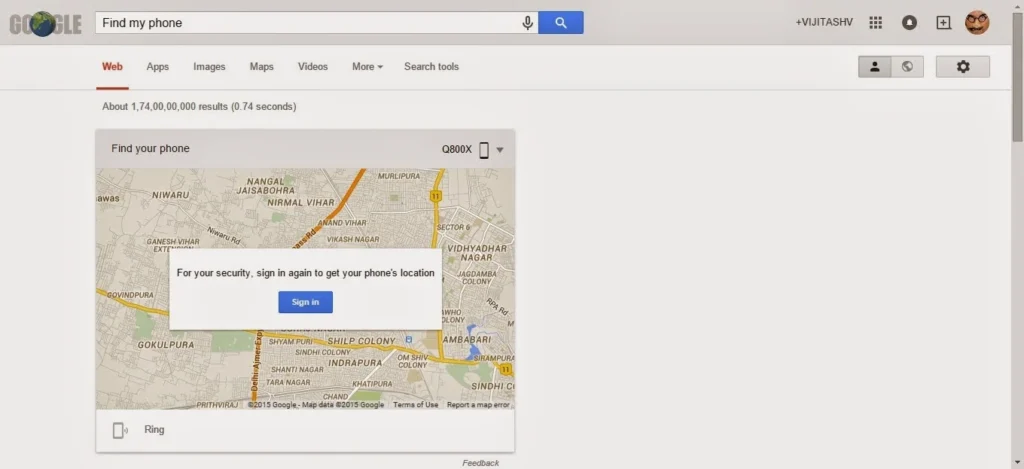
Google’s Find Hub can help locate a missing Android phone, make it ring, or remotely secure it. The current interface and available actions can change, so use Google’s official Find Hub page rather than old instructions that rely on searching for a phone directly in Google Search. For a device to be located or secured, it generally needs power, a Google Account, network access, Find Hub enabled and visibility on Google Play. If it is offline, you may see only a recent or last-known location, depending on its settings and the Find Hub network.
Locate your own device
- On another trusted phone, open the Find Hub app, or visit android.com/find in a browser.
- Sign in to the Google Account that was on the missing phone. If helping someone else, let that person sign in through the app’s guest option rather than sharing passwords.
- Select the missing device from the list and review its displayed location and last-seen information.
- If the phone is nearby, use Play sound to make it ring. If you believe it has been taken, use the available secure or lost-device option and add only safe contact information for the lock screen.
Map locations are estimates. GPS, Wi-Fi and mobile networks have different accuracy, and an indoor location may be imprecise. Do not confront someone or enter a private property based on a map pin; contact local authorities if you believe the device was stolen.
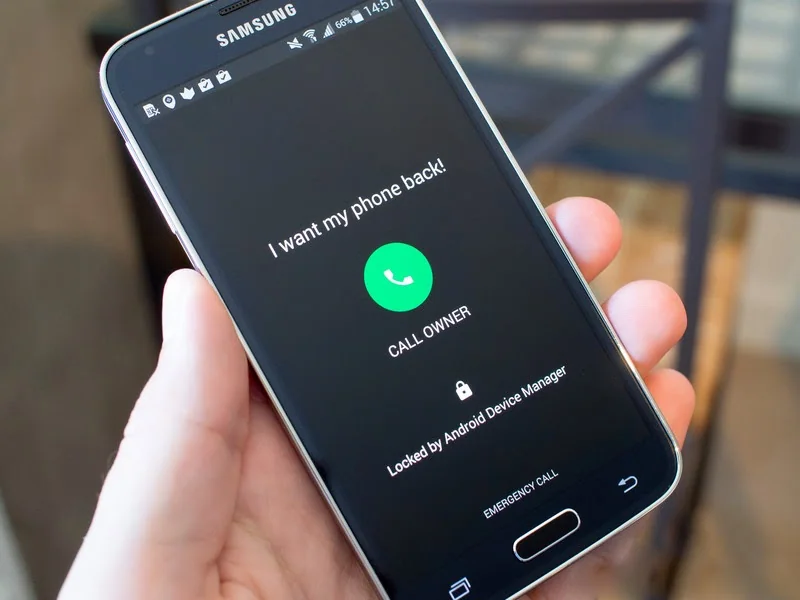
Protect your data
Secure the phone first if you hope to recover it. Remote erase is a last resort because it permanently deletes the device’s data and may remove it from Find Hub, preventing further location updates. Erasing may not remove data from a removable SD card. Before choosing it, consider whether you have a current backup and whether you can still reach your Google Account and two-step verification methods.
If recovery looks unlikely, contact your mobile carrier to suspend the SIM or service and ask about blocking the device using its IMEI. Change passwords for important accounts from a trusted device, especially if the phone was unlocked or its screen lock may be known. Never share a verification code with someone who claims they found the phone.
Prepare before a phone goes missing
Keep a secure screen lock, add a Google Account, confirm Find Hub is available in Settings, and keep recovery options current. Review Google’s official device requirements because features differ by Android version, model, account type and region.
Official reference
Google Android Help: find, secure or erase a lost Android device
Related reading: How to Find, Lock or Erase a Lost Android Phone with Find Hub.

