
You can watch some movies on an Android phone without paying for each title, but “free” does not mean every film is available everywhere. Legitimate services may show advertisements, limit their catalog by country, or rotate titles. Start with well-known apps from Google Play and check the title’s availability and terms before pressing play. Avoid unofficial apps that promise new cinema releases for free or ask you to install a separate APK from an unfamiliar website.
Check YouTube’s free catalog
YouTube offers an ad-supported Free Primetime Movies and Shows program in selected markets. Google’s current help page lists the United States, Australia, Japan, Germany, and the United Kingdom for the movie program, with free TV shows available in the US and Australia. Availability can change, and an account’s country settings and licensing may affect what appears. Search within the official YouTube app or browse its Movies section, then check whether a title is marked free with ads. A title that is available to rent or buy is not the same as a free stream.

Look for ad-supported options in Google TV
Google says the Google TV and Android TV Free tab can show content supported by ads, depending on country and device. Content may come from Google, studios, or third-party app partners. The exact interface differs by region; Google notes that some tabs and links are available only in certain countries. Browse the official Google TV app or device interface and verify the provider before signing in or granting permissions.
Check other legitimate services
Some public broadcasters, libraries, and streaming services offer selected free titles through official apps. Availability depends on your location and may require a library card, account, or advertising. Install from Google Play, verify the app publisher, and read the listing and privacy details. Do not assume that an app with “free movies” in its name has rights to every title it displays.
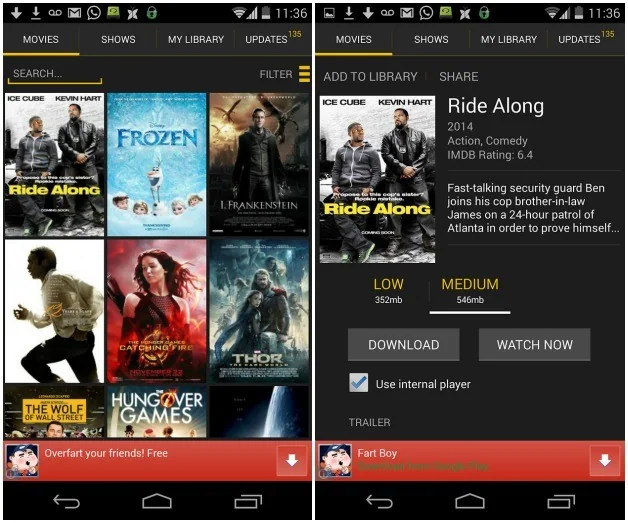
Stream safely and manage data use
Use a trusted Wi-Fi connection when possible, because video can consume substantial mobile data. If an app offers downloads, verify whether offline viewing is permitted and how long the download remains available. Avoid entering payment details into a page reached from an unsolicited pop-up. If an app asks you to disable device security or install a “special video player” from outside Google Play, stop and verify the request with the service’s official support page.
Free catalogs and regional licensing change regularly. Confirm the current title, country availability, and terms directly in the official streaming service before relying on a recommendation.
Related reading: How to Find Legal Free Movies on YouTube.

