
Free movie links can lead to unofficial copies, misleading download buttons, or sites that ask for unnecessary personal details. YouTube has an official Free Primetime Movies and Shows program in selected countries. Its catalog is ad-supported and changes over time, so check YouTube’s current Help page and browse the official Movies section rather than relying on a 2014 third-party directory.
Find the official catalog
YouTube’s current help article says users in the United States, Australia, Japan, Germany, and the United Kingdom can access Free Primetime Movies and Shows. The available titles vary by location and are updated regularly. On YouTube, look for the free-movie shelf on the homepage or browse the official catalog at youtube.com/movies. If the shelf or a title does not appear, it may not be available in your region or account. Do not use a VPN to bypass regional licensing restrictions; follow the service terms and local rules.
Understand how “free” works
The program is supported by advertising, so free viewing may include ad breaks. A YouTube Premium or Premium Lite subscription can affect ad display for eligible titles, but the underlying catalog and program availability can differ. Check whether a movie is marked as free, rental, or purchase before selecting it. Purchased titles appear in your account library and have different viewing terms from a free ad-supported stream.
Watch through YouTube’s app or website
Use the official YouTube app, YouTube website, or supported TV app. Confirm that the address is youtube.com before signing in, and avoid pages that imitate a streaming service. Do not install browser extensions or APK files that promise to unlock movies, download protected streams, or remove regional checks. YouTube’s offline help explains that downloads are limited to supported in-app features and that downloaded content is stored for playback within the app; it is not a general method for saving any movie as an unrestricted file.
Protect your account and device
Do not enter your Google password into a third-party movie directory or share verification codes. If an unfamiliar site asks for a card “to verify” access to a supposedly free movie, close it and check the offer from YouTube directly. Keep your browser and streaming apps updated. On a shared TV, sign out when finished or use the appropriate guest profile so other viewers cannot access your account.
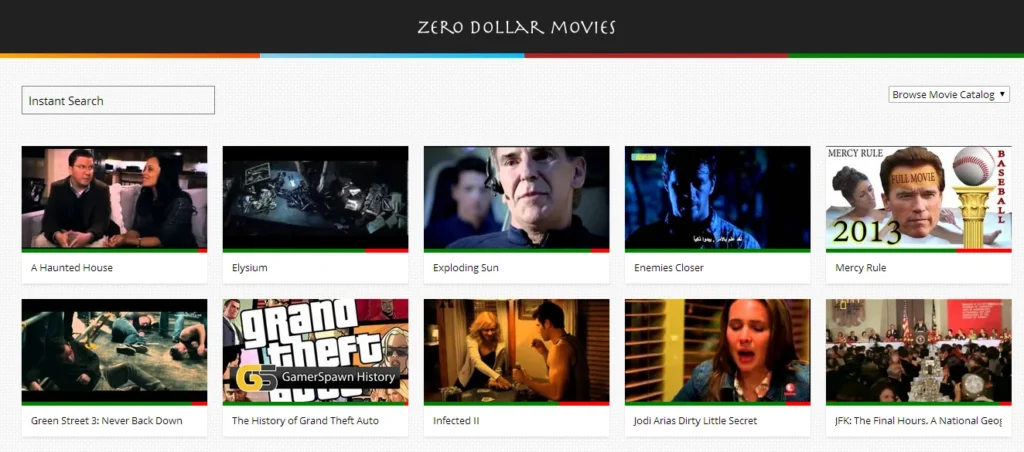
The third-party ZeroDollarMovies service mentioned in the old article is not the current official discovery method. Use YouTube’s own catalog and confirm the region, price label, and service terms before watching. This helps you avoid misleading links and keeps the distinction clear between licensed free viewing, rentals, purchases, and unrelated uploads.

