
If you want to keep copies of videos you posted on Instagram, use the platform’s official information-export tool. Meta says Instagram’s Download Your Information controls are in Accounts Center. This avoids third-party downloader sites that may request your password, collect account data, or save someone else’s content without permission. Menu labels can change as Instagram updates its app, so follow the current Help Center instructions if the wording on your screen differs.
Export videos from your own account
Sign in to the Instagram account that contains the videos you want to preserve. Open Meta Accounts Center and choose the option for downloading or exporting your information. Select the Instagram profile, then choose the categories and date range available in the export controls. If the tool offers a media-only selection, use it when you only need posted videos; otherwise, review the archive contents before sharing or uploading the resulting file. Submit the request and return to Accounts Center when the export is ready.

The export may arrive as a compressed archive, such as a ZIP file. Save it to a trusted computer or storage device, extract it with your operating system’s built-in archive tool, and look through the folders for video files. Keep the original archive until you have checked that the files open correctly. If your account contains private messages, contact details, or other personal information, treat the whole archive as sensitive even when your main goal was to back up videos.
Protect the downloaded archive
Use a device protected by a passcode and keep a second backup in a secure location. Avoid uploading the archive to a public file-sharing link or emailing it to people who do not need access. If you use cloud storage, check who can access the folder and whether a link is set to public. Delete temporary copies from shared or public computers, and sign out of Instagram after making an export request.
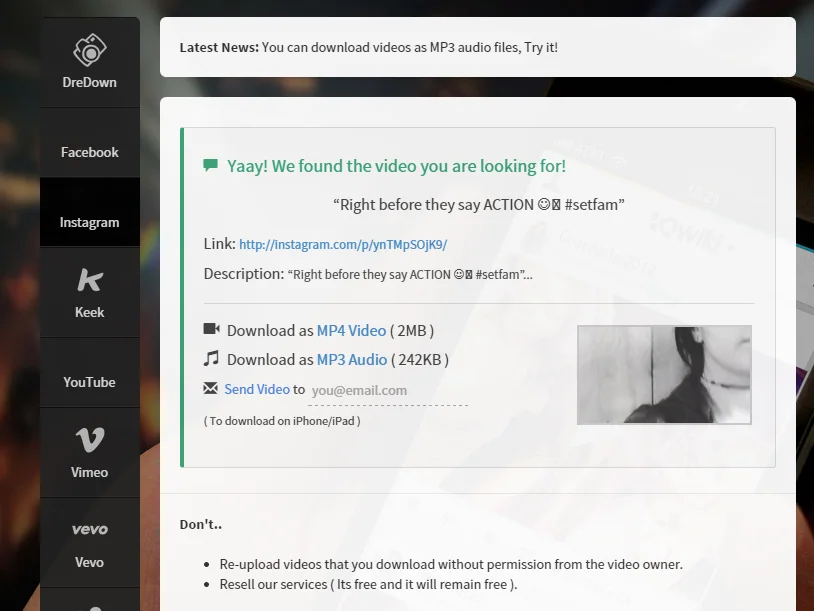
Account exports are useful for personal backups and moving your own content. They are not a way to recover videos that another person deleted, obtain private posts, or bypass Instagram’s access controls. If the export is missing a particular video, check that you selected the correct Instagram profile and date range, then consult Instagram’s current Help Center. Do not install an unknown application or give a separate website your Instagram password to fill gaps in an export.
Saving someone else’s video is different
Watching a public post does not automatically give you permission to download, repost, edit, or use it commercially. When you want to revisit a video, Instagram’s in-app save or bookmark controls are the safer option because they keep a link in your account rather than creating a separate copy. If you need a file for a legitimate project, ask the creator for permission and request the original through an approved channel. Respect private-account settings and do not use tools that claim to retrieve restricted content.
Third-party downloader pages often change domains and may use misleading buttons or ads. Never enter your Instagram login on a site reached through an unrelated download link. If a website asks you to disable device security, install an extension, or grant broad permissions just to save a video, close it. The official export is the dependable method for making a backup of your own Instagram videos; for other creators’ work, use Instagram’s viewing and save features or obtain permission directly.

