
Spotify availability depends on the country or region where you live, and its supported-market list can change. If you cannot sign up or play music while traveling, first check Spotify’s official availability page and your account’s country setting. Avoid old instructions that promise access by disguising your location; they may conflict with service rules, fail unexpectedly or create account and payment problems.


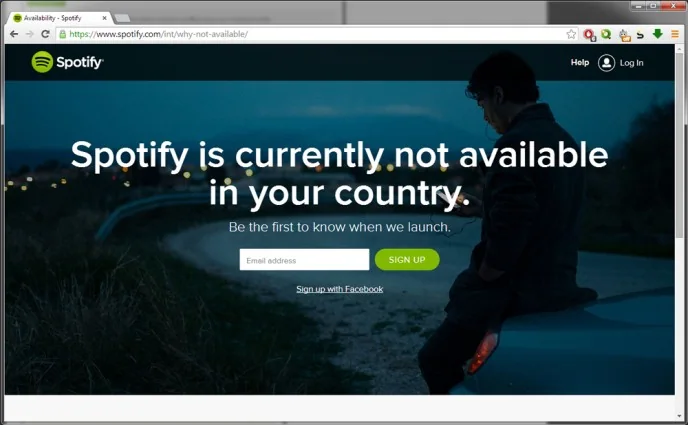
Check whether Spotify is offered in your location
Open Spotify’s support page listing supported countries and territories. The list covers where a person can register, not necessarily every difference in music catalogs, prices or features. Availability can also change as licensing arrangements and local services evolve. If Spotify is not listed for your location, check back with the official page later rather than trusting a third-party list copied years ago.
If you have moved to another country
Spotify says an account’s country or region is based on where the person was when they signed up. If you move to a place where Spotify is available, update the country or region in your account settings. Premium subscribers may need a payment method issued in the new country, and a change can affect pricing and catalog availability. The change takes effect according to the payment details and billing date shown by Spotify.

If you are traveling temporarily
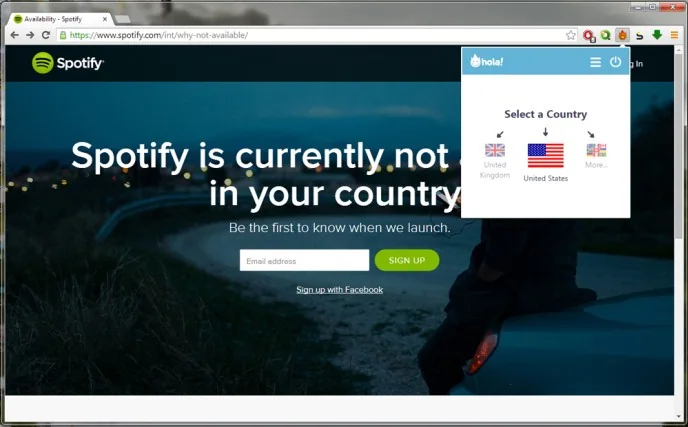
Spotify’s current account guidance says users without Premium can use the service in a different country or region for up to 14 days, after which they need to update their account settings to a supported country where they are actually located. Premium users can travel with their subscription, but playback issues can still come from offline downloads, connectivity, licensing or account configuration. Check Spotify’s travel troubleshooting page and the status of your subscription before changing settings.
Choose a legitimate alternative
If the service is not available where you are, compare music providers that operate legally in your country, local radio, artist stores or music you own and can play offline. Review subscription terms and catalog availability before paying. Do not enter Spotify credentials into unofficial unlock services, modified apps or websites promising free premium access; they can steal login details or install unwanted software.

Use Spotify’s own market list and account instructions because region rules and product features can change. These pages provide the current supported locations and explain how to update the country after a genuine move.
Official references: Spotify: Where Spotify is available · Spotify: Change your country or region settings

