
Wireless display technologies send video, audio or an app interface from one device to another without a direct HDMI cable. The names are not interchangeable: AirPlay, Miracast, Chromecast and DLNA use different discovery and streaming approaches, and support depends on the source device, receiver, app, network and software version.
How the major approaches differ
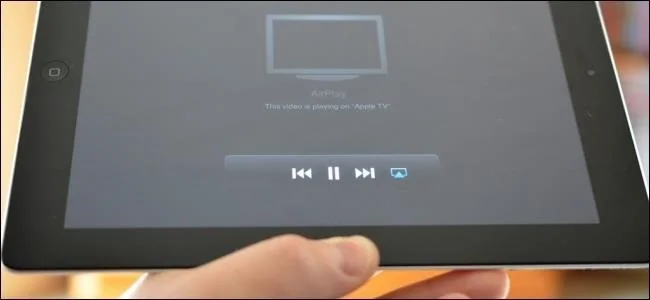
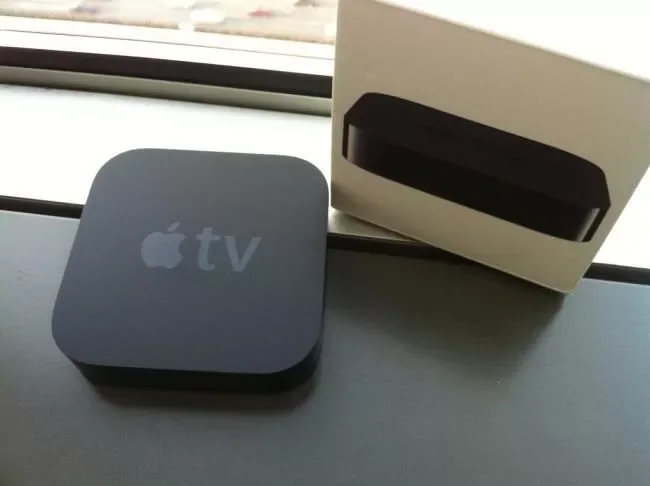
AirPlay is Apple’s system for streaming or mirroring from supported Apple devices to compatible televisions and receivers. Miracast is a screen-mirroring standard supported by some Windows PCs and displays; device support and wireless-driver compatibility vary. Chromecast can cast supported apps or browser tabs to a Google Cast receiver, and some Android devices also offer screen casting. DLNA is a media-sharing approach that lets compatible devices browse and play files from a network server; it is generally about media playback rather than mirroring an entire screen.

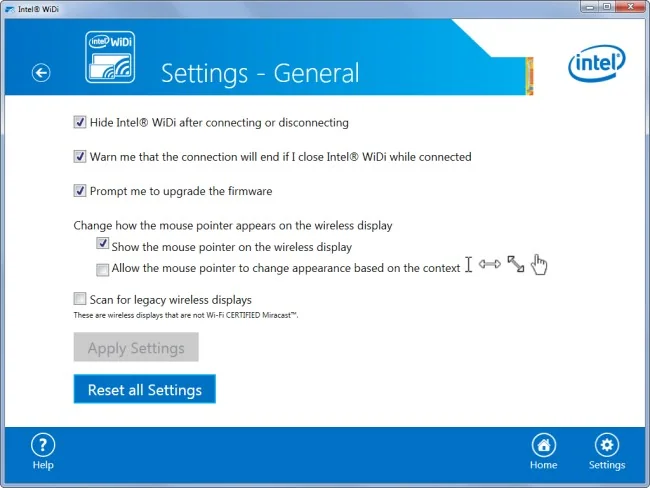
Intel WiDi was an older wireless-display product related to Miracast and is no longer a safe assumption for current laptops. Older descriptions may say a TV supports one standard when only an external adapter did. Check the exact model’s manual and the current support page for both sender and receiver. The same brand name may cover different generations with different compatibility.
Troubleshoot connection problems
Connect devices to the same Wi-Fi network when the technology requires it, update their software, and check whether a VPN, guest network or router setting prevents device discovery. Some systems can connect directly without the home router, while others require the network. Restart the sender and receiver if they disappear, and confirm that the TV input and audio output are set correctly.
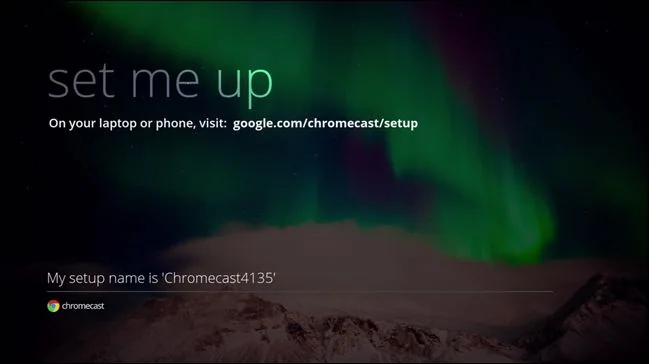
Protected video services may limit mirroring because of licensing or copy-protection rules. Do not bypass those controls. If reliability matters for a presentation or long video, a wired HDMI connection is often simpler and avoids Wi-Fi congestion. Apple and Google explain their own current casting options; neither source guarantees compatibility with every Miracast or DLNA product. Verify features before buying an adapter.

For a shared workplace or classroom, test the setup before the presentation and keep a cable as a fallback. Wireless mirroring can expose notifications or personal tabs on a large display; enable Do Not Disturb and close private content first. On a guest network, discovery may be intentionally blocked for security. Use only devices and networks you are authorized to connect.

