
If your Android phone is somewhere nearby but its ringer is muted, Google’s Find Hub can make it play a sound remotely. You will need access to the Google Account associated with the phone. Use the official Find Hub app on another Android device or open Google’s Find Hub website in a browser and sign in.
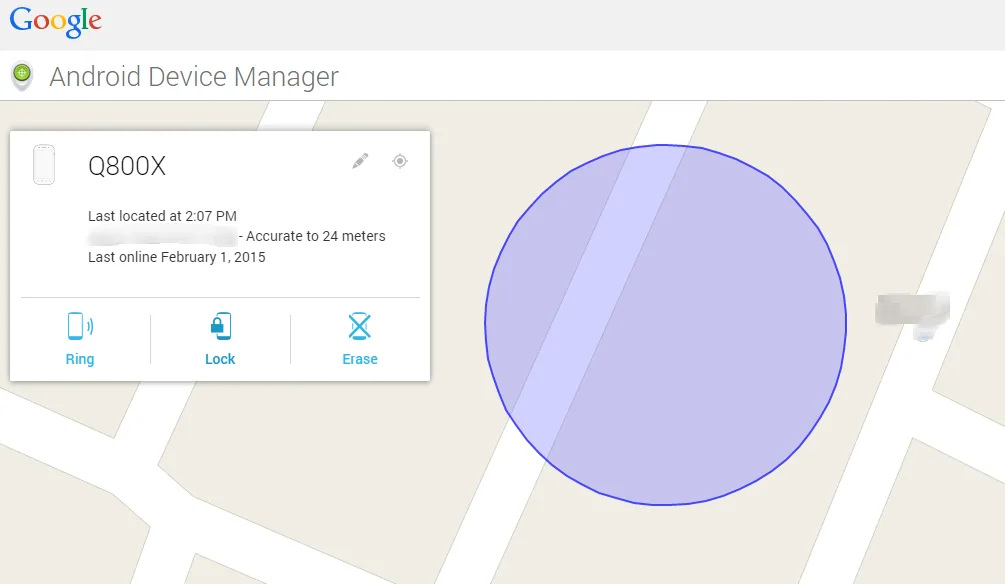
Play a sound from another device
- Open the Find Hub app on another Android phone or tablet, or go to the official Find Hub website.
- Sign in with the Google Account used on the missing phone. If helping someone else, Google provides a guest sign-in option so the owner can authenticate.
- Select the missing phone from the device list.
- Choose Play sound. Google says the device rings at full volume for five minutes, even when set to silent or vibrate.
Listen in nearby rooms, under cushions, in bags and around charging areas. If the first sound stops before you locate it, you can start it again from Find Hub. The feature works only for devices and account configurations supported by Google; the phone may need power and network connectivity for remote actions.
If you cannot hear the phone
Check that you selected the correct device and Google Account. Find Hub may show a last known location when a current location is unavailable. A powered-off phone or one without a connection may not receive a new sound request until it reconnects. If the device is outside the home, use the map and last-known information carefully rather than assuming it is still nearby.

If the phone may be lost outside
Use Find Hub’s Mark as lost option to lock the device and display contact information if available. Contact your carrier if you believe the phone was stolen, and consider changing passwords for accounts that were signed in on it. Use remote erase only if you decide that protecting data is more important than continuing to locate the phone; Google warns that erasing permanently deletes device data and the device will no longer be available in Find Hub after a factory reset. An SD card may not be erased.
Prepare before a phone goes missing
Keep a screen lock enabled, know which Google Account is on the phone, and review Find Hub availability and location settings before you need them. Save account recovery options so you can sign in from a second device. Google’s help page lists the current requirements and steps for finding, securing or erasing an Android device; menus may vary by Android version and manufacturer.
Related reading: How to Find, Lock or Erase a Lost Android Phone with Find Hub.

