
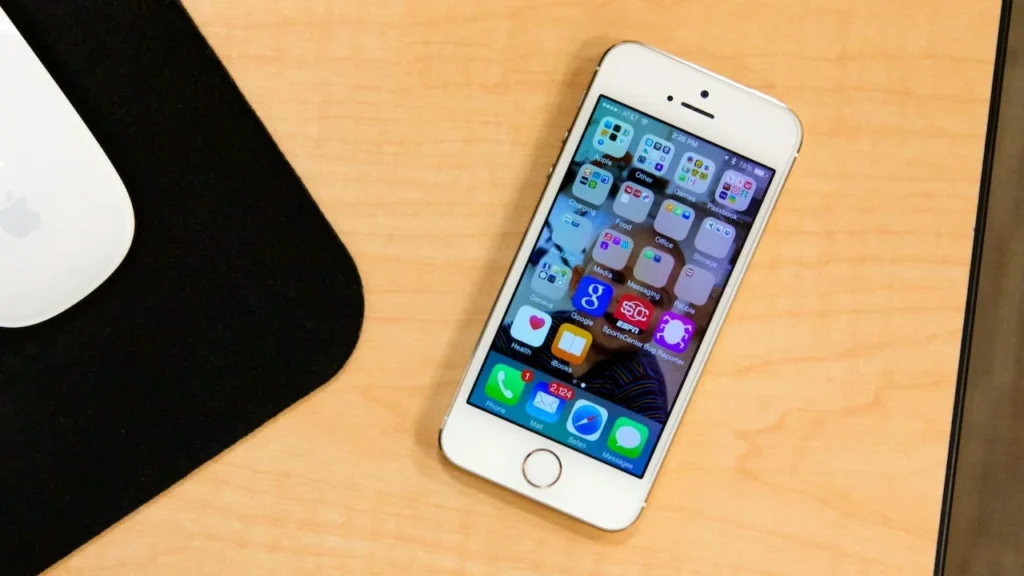
When mobile data is limited, the biggest gains come from finding which apps use it and stopping background activity that you do not need. iOS reports usage per app so you can make the change based on evidence rather than guessing.
Find the heavy users
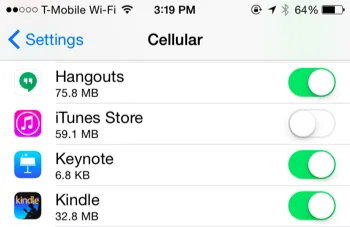
Open the Cellular or Mobile Data settings and review the app-by-app totals. Reset the statistics at the start of a billing period if you want a useful comparison. Turn off cellular access for apps that can wait for Wi-Fi.
Control background work
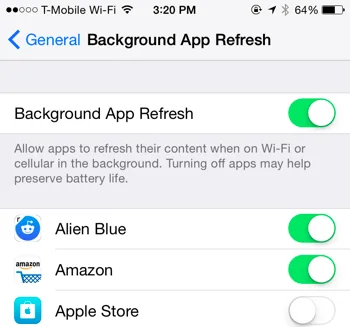
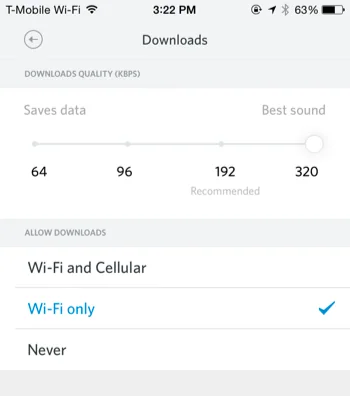
Disable background refresh where it is not useful and avoid automatic downloads over cellular. Streaming video, photo backups and app updates can consume a plan quickly; set those services to Wi-Fi only when the option exists.
Keep an eye on roaming
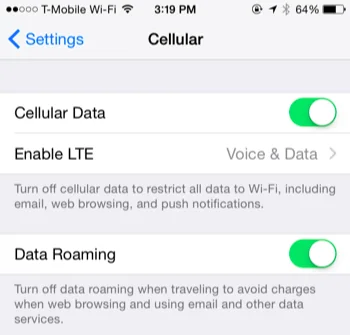
Roaming charges are separate from ordinary usage. Turn data roaming off unless your carrier plan covers it, and confirm the current menu names for your iOS version.
Measure before changing settings
Open the iPhone’s Cellular or Mobile Data panel and review usage for the current period. Reset the statistics at the start of your billing cycle so the totals mean something. The highest users are often video, photo backup, music and social apps.
Reduce background transfers
Turn off cellular access for apps that can wait for Wi-Fi and disable automatic downloads over mobile data where the service provides that option. Photo libraries deserve special care: a backup that runs while travelling can consume a plan quickly.
Roaming and low-data modes
Data roaming is a separate risk from ordinary usage. Keep it disabled unless your plan includes it. Current iOS releases also provide Low Data Mode, which reduces background work for supported connections; confirm the exact menu path for the installed version.
Check after the change
Use the phone for a day, review the per-app totals again and re-enable only the services you need. Carrier counters may not match the phone’s counter, so use the carrier’s app or bill for final usage.
Other sources of usage
Personal hotspot, automatic app updates and video calls can be easy to overlook. Turn off hotspot when finished, set stores to update on Wi-Fi and download large media before travelling. Some carriers also count tethering separately.
Keep the carrier’s usage alerts enabled. If the phone and carrier disagree, trust the carrier’s billing record for charges and contact support before the next cycle.

