
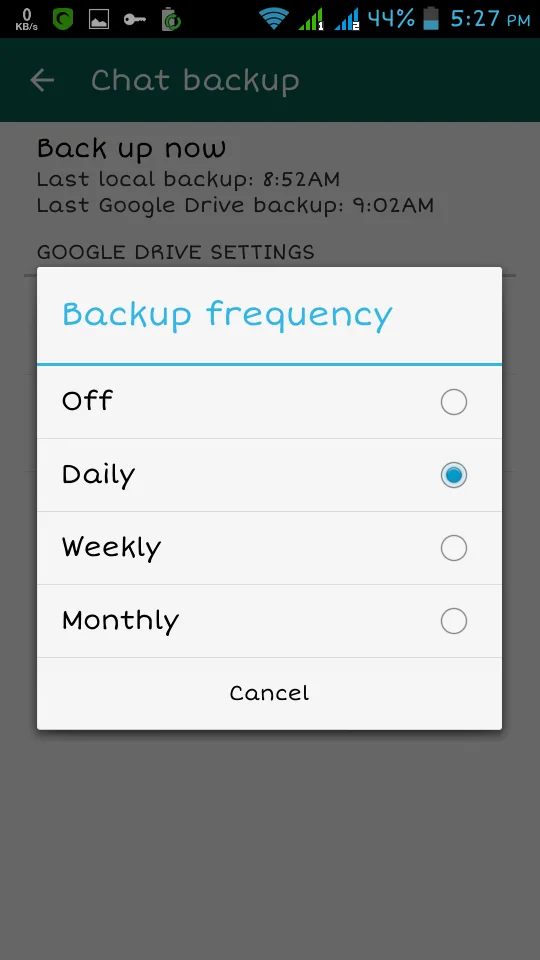
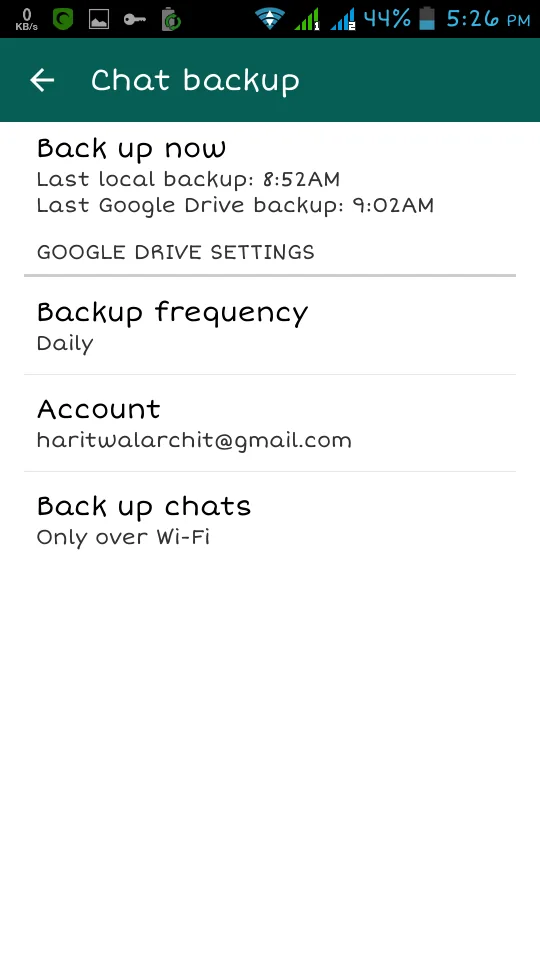
A 2015 WhatsApp update added Google Drive chat backup for Android users, making it easier to carry conversations to another phone. That specific app version and its menu labels are historical. Today, WhatsApp’s backup and transfer options have changed, so the safe advice is to check the current in-app instructions before switching devices rather than follow screenshots from an old release.

Choose a current backup or transfer method
WhatsApp currently documents Google Account backups for Android and also offers chat transfer between Android phones. The right method depends on the devices, the account and whether the old phone is still available. Before changing phones, open WhatsApp’s Chat backup settings and confirm the account and most recent backup date. If you use end-to-end encrypted backups, make sure you can access the password, encryption key or passkey required by the option you selected. A cloud backup that cannot be unlocked is not a usable recovery plan.
Keep the account details consistent
For a cloud restore, follow WhatsApp’s current setup prompts and use the Google Account and phone number associated with the backup. Check that the new device has enough free storage and a stable connection. Do not uninstall or wipe the old phone until the new phone shows the expected chats and media. Backups may exclude some items depending on settings, and large video files can make the process take longer.
Protect privacy and storage
Google says WhatsApp backups on Android count toward Google Account storage, which is shared with services such as Drive, Gmail and Photos. Review storage before starting a large backup. If you enable end-to-end encrypted backup, store its recovery credential securely and separately from the phone. Never share a verification code, backup password or encryption key with someone who claims they can restore chats for you.

Verify before resetting the old phone
After setup, inspect recent messages and important media on the new device. If anything is missing, stop and consult WhatsApp’s official troubleshooting page while the old phone and its local data are still available. Google’s general Android backup is separate from WhatsApp’s own chat backup, so do not assume a device restore includes every WhatsApp conversation. Screens and menu names can change with app versions; use the current Help Center instructions shown for your platform.
Official references: WhatsApp Help Center: back up chat history · WhatsApp Help Center: transfer chat history · WhatsApp Help Center: encrypted backups · Google Drive Help: storage shared with WhatsApp backups

