
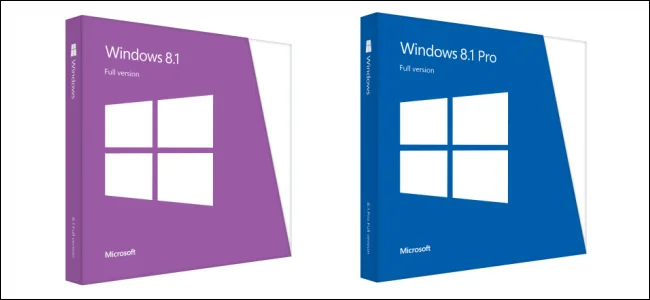
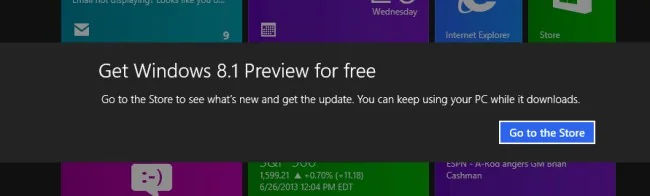
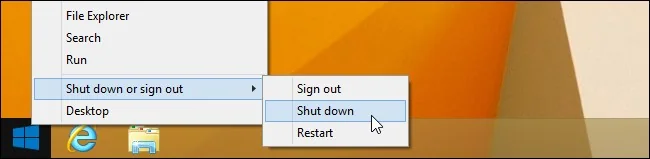
Windows 8.1 arrived in October 2013 as an update to Windows 8. It kept the touch-focused Start screen while restoring a more visible Start button on the desktop and adding options for personalization, search and app layout. Microsoft distributed it through the Windows Store for many existing Windows 8 users, while new devices could ship with the updated system preinstalled.
What changed from Windows 8
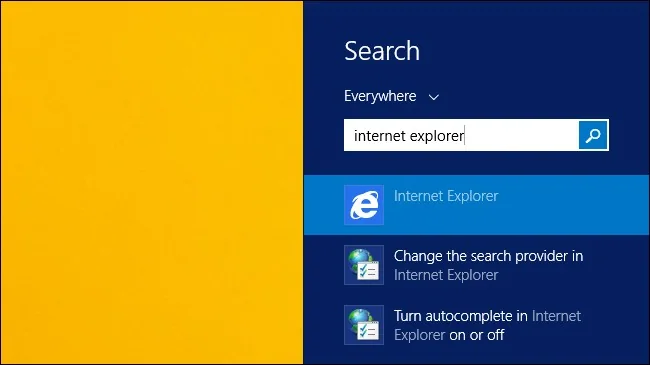
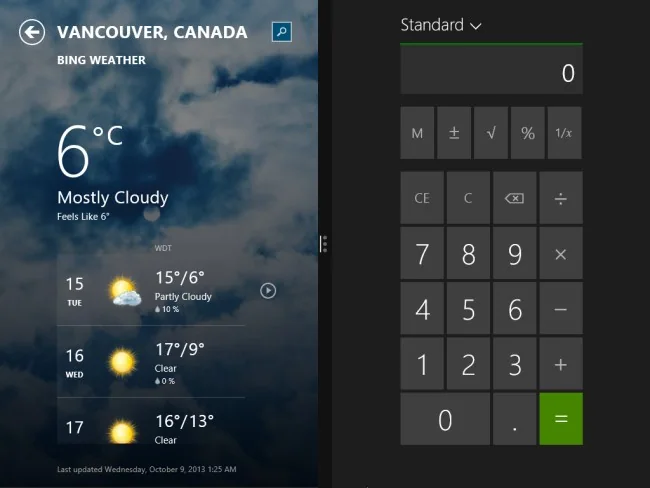
The update let users choose more Start screen tile sizes, use additional background options and configure startup behavior more easily. Microsoft also revised built-in search and updated several included apps. The experience still relied on a mix of the traditional desktop and full-screen Store apps, so users moving from Windows 7 faced a different interface and needed time to learn where settings and programs lived.
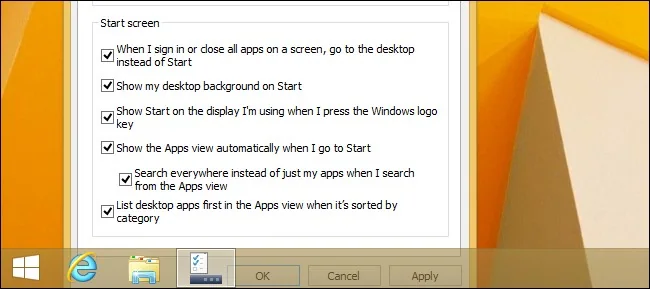
Exact features depended on edition, hardware and installed updates. A touch display was helpful for the Start screen but not required: keyboard and mouse remained supported. Before upgrading an older computer, users needed to check processor, memory, storage and application compatibility, then make a backup and confirm they had recovery media.
Support ended in 2023
Windows 8.1 reached the end of extended support on January 10, 2023. Microsoft no longer provides normal security updates, bug fixes or technical support for the operating system. Microsoft 365 Apps are also unsupported on Windows 8.1. A computer may still start and run existing programs, but continuing to connect it to the internet increases exposure because newly discovered operating-system vulnerabilities are not routinely patched.
What to do with an old PC
Check whether the hardware can run a currently supported Windows version and whether the manufacturer still supplies drivers. Back up files before migrating, and verify critical apps, printers and accessibility tools on the destination system. If the PC cannot run a supported operating system, limit its network exposure and avoid using it for banking, work accounts or sensitive data. Replacing the device may be safer than relying on outdated software.
Windows 8.1 remains relevant to PC history, but its original release-day instructions are no longer practical advice. For present-day security, use an operating system that still receives updates and confirm the exact device’s compatibility before upgrading.

