
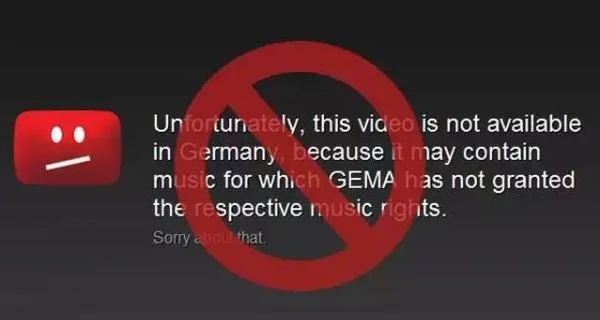
A YouTube video may be unavailable in a country or region because its owner chose to limit where it can be watched, often for licensing reasons, or because YouTube must comply with local law. The message does not necessarily mean your device or account is broken. Availability can change when an uploader edits, removes, or replaces a video.
Separate restrictions from playback problems
Read the exact message. A regional restriction differs from buffering, a private video, an age requirement, or a removed upload. Confirm the URL, open the clip in the official app or website, update your app or browser, and see whether unrelated videos play. If one clip alone is restricted, changing device settings is unlikely to fix a rights limitation.
Look for authorized alternatives
Check the creator’s official channel, website, or another authorized platform for a version available in your area. If you think the restriction is mistaken, contact the uploader or rights holder. YouTube’s Help Center explains that owners can choose regional availability. For offline viewing, use YouTube’s built-in download option only where available and for eligible videos; location, membership, and video settings affect this feature.
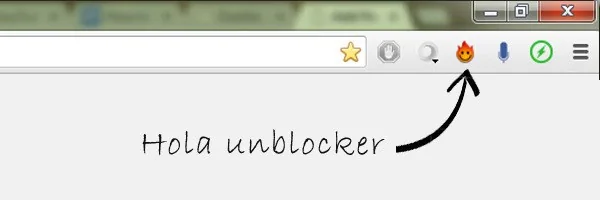
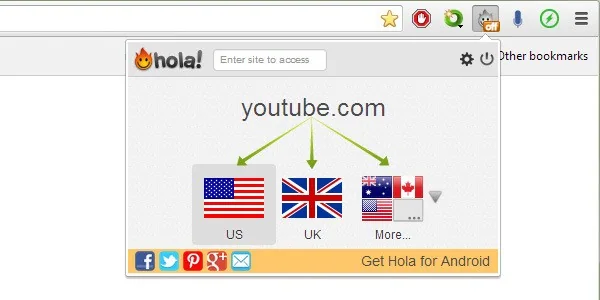
Avoid mirror sites, unknown extensions, and third-party services that promise to bypass restrictions or download any clip. They can violate service terms, expose credentials, distribute malware, or infringe copyright. Never enter a password or verification code on an unfamiliar page to unlock a video. Verify the address before signing in.
Troubleshoot other errors
If many unrelated videos fail, test your connection, restart the app, update your browser, and consult YouTube’s playback help. Slow internet can cause buffering but does not usually explain a region message. On a managed school or workplace network, ask the administrator about access policies rather than evading them.
YouTube identifies owner licensing choices and local legal requirements as possible reasons for regional unavailability. Respect those restrictions and use authorized channels. This guide does not provide a bypass.

