
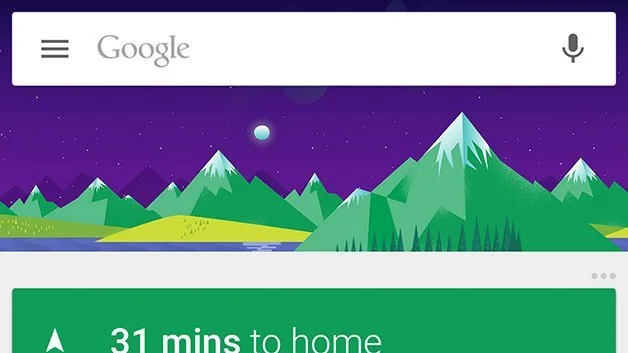
Google Now was an early attempt to surface useful information before a person searched for it. Its cards could show weather, traffic, travel details, reminders and other context drawn from services connected to a Google Account. The product belongs to an earlier generation of Google’s mobile software, so instructions to customize its cards should be treated as archival rather than as steps for the current Google app.
How the cards worked
Google described Now as a way to provide information at a useful moment, such as travel timing or a change in traffic. Cards were generated from signals and services the user had connected, which made the feature convenient but also meant personalization depended on account data and settings. Google’s 2013 product announcement described cards for weather, traffic, news and travel and explained that the feature was part of the Google Search app on iPhone and iPad at that time.
From Google Now to conversational assistants
Google later introduced Assistant as a conversational way to ask questions and complete tasks across phones and other devices. In 2025, Google announced that the mobile Assistant experience was upgrading to Gemini. These are distinct product eras, and a historical Google Now card setting does not map one-to-one to a current Gemini setting. Features, availability, names and privacy controls can differ by country, account and device.
Review current personalization and activity controls
If you want to change what a current Google service remembers or personalizes, use the account and app settings for that specific product. Review Web & App Activity, location settings, connected services and the product’s personalization controls. Turning off a signal may change recommendations or contextual results, and separate services may keep separate settings. Read the current Google privacy documentation before changing a setting that affects location history or saved activity.
Why the feature remains worth remembering
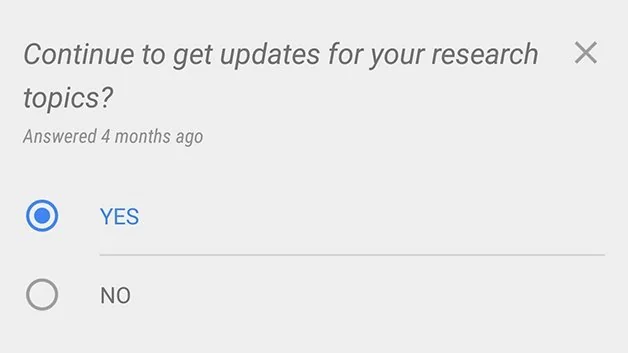
Google Now helped normalize proactive, card-based information on phones: a service could organize useful details into a feed instead of waiting for a typed query. That interaction pattern influenced later digital assistants and personalized home screens, even as the underlying products changed. The original feature’s menu layout and specific cards are no longer a reliable guide to present-day settings.
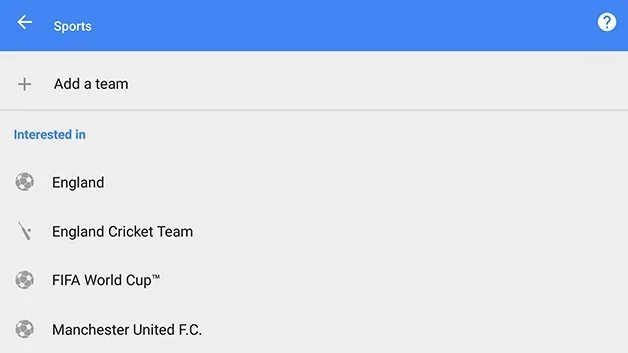
This article is a product-history explainer, not a current configuration tutorial. Before publishing screenshots or precise steps, verify them in the current Google app and label the app version and region. Readers should use current official help pages for account activity and privacy controls rather than relying on a decade-old card interface.
Official references: Google: Google Now cards in the Search app · Google: mobile Assistant transition to Gemini · Google Account: data and privacy controls

