
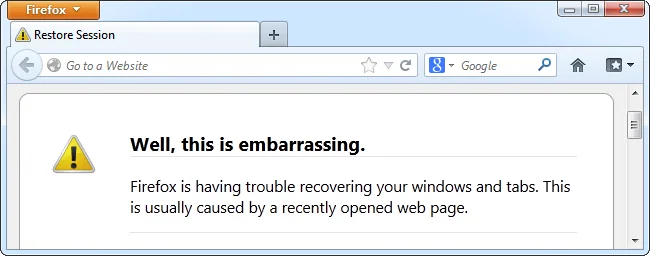
If Firefox closes unexpectedly, first note what you were doing and whether it happens on every launch or only on a particular site or task. A crash can come from an extension, graphics acceleration, damaged application files, another program or a system problem. Change one thing at a time so you can tell whether a step helped.
Update and test Firefox’s Troubleshoot Mode
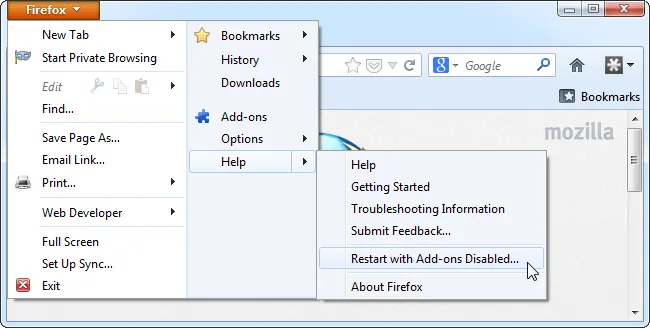
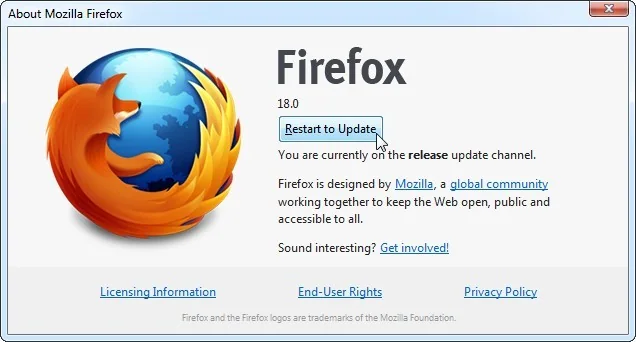
Install the latest Firefox update offered for your operating system, then restart the browser. Open the menu, choose Help and select Troubleshoot Mode, then restart when prompted. This mode temporarily disables add-ons and some customizations. If Firefox becomes stable there, an extension, theme or related setting may be involved; re-enable extensions one at a time and test after each change.
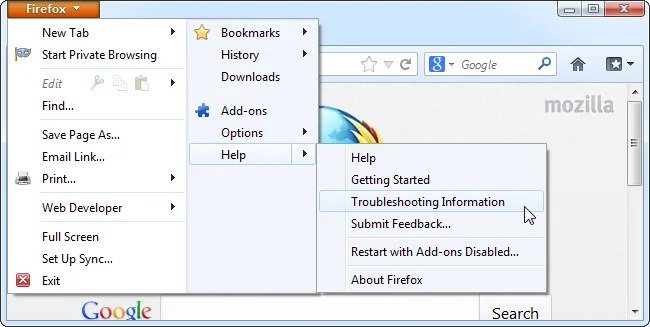
Troubleshoot Mode is a diagnostic step, not a permanent security setting. Close Firefox fully and reopen it normally when you finish testing.
Check when the crash happens
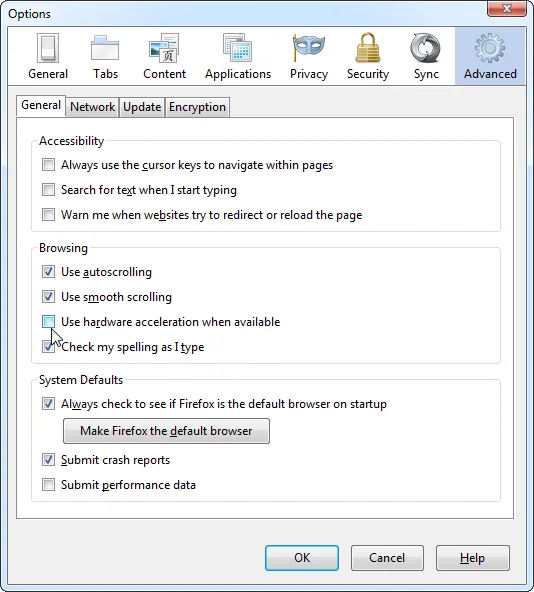
If crashes occur on pages using video or graphics, check Mozilla’s current instructions for troubleshooting extensions, themes and hardware acceleration. Apply the documented setting and test again; avoid changing unrelated system graphics settings at the same time. If only one site triggers a crash, update the browser and check whether the site works in another browser before changing your Firefox profile.
Protect your profile before more disruptive steps
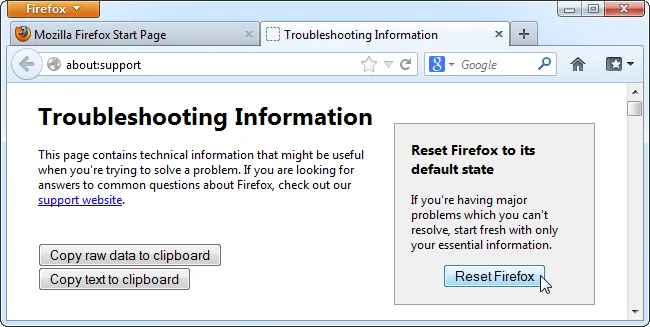
Bookmarks, saved passwords, extensions and preferences are stored in a Firefox profile, separately from the browser program. Before refreshing the profile or reinstalling, confirm that important information is backed up or synced and that you can access your recovery credentials. Avoid deleting profile folders manually; doing so can permanently remove local data.
Keep a crash report for support
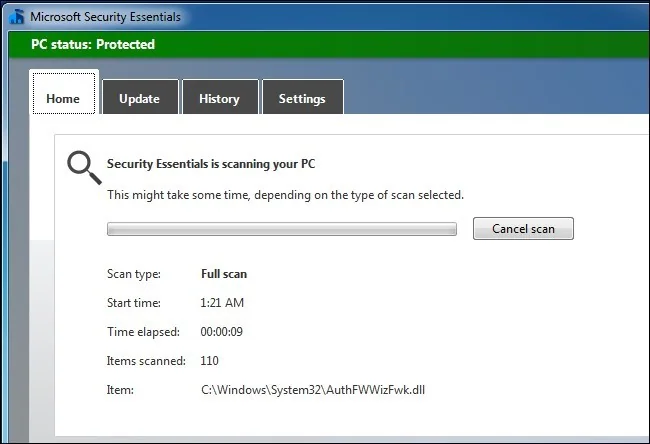
When Firefox shows its Mozilla Crash Reporter, note the crash report ID if you choose to submit it. If crashes continue, record the Firefox version, operating system and steps that reproduce the problem. Use Mozilla Support’s current crash guide or support forum with that information. Do not download unofficial “repair” utilities or disable security software as a blanket fix.
These checks narrow down common causes without assuming every crash has the same solution. If the browser also crashes in Troubleshoot Mode, investigate updates, the operating system and device hardware with the relevant support provider.

