
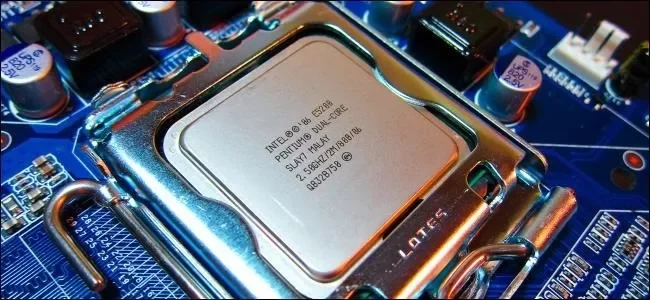
A processor can contain several physical cores, and each core can execute work independently. More cores help when software can divide a task into parallel pieces; they do not automatically make every application faster.
Cores versus threads
A core is physical processing hardware. A thread is a stream of work scheduled for execution. Hyper-Threading lets one physical core keep more execution resources busy with two threads, but two threads on one core are not equal to two physical cores.
What to compare
When choosing a computer, compare the processor generation, core count, sustained power limits and the software you use. Video encoding and 3D workloads often scale across cores, while some everyday tasks depend more on single-core speed and storage performance.
Why clock speed alone misleads
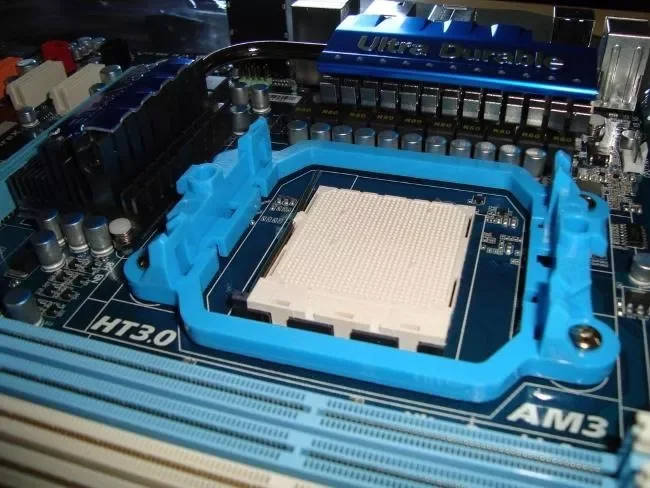
A newer architecture can complete more work at the same clock speed. Check independent tests for your workload instead of treating a larger GHz number as a complete performance ranking.
How work is shared
Operating systems divide runnable work into threads and schedule those threads on available logical processors. A program designed for one main thread may gain little from a large core count, while a renderer, encoder or build system can keep many cores busy. Background services also compete for time, so a laptop may feel slower when it is updating, indexing or running security scans.
Performance beyond the label
Turbo frequencies are short-term targets, not guaranteed all-core speeds. Cooling, battery mode and the manufacturer’s power limits determine how long a processor can sustain a workload. Compare sustained benchmarks and battery behaviour for the exact class of laptop you are considering.
A practical buying checklist
Start with the applications you use, then compare current-generation CPUs in independent tests. Check memory capacity, storage and upgrade options too. A balanced system with enough RAM and a fast SSD often feels better than a high-core processor paired with a slow drive.
Reading core counts correctly
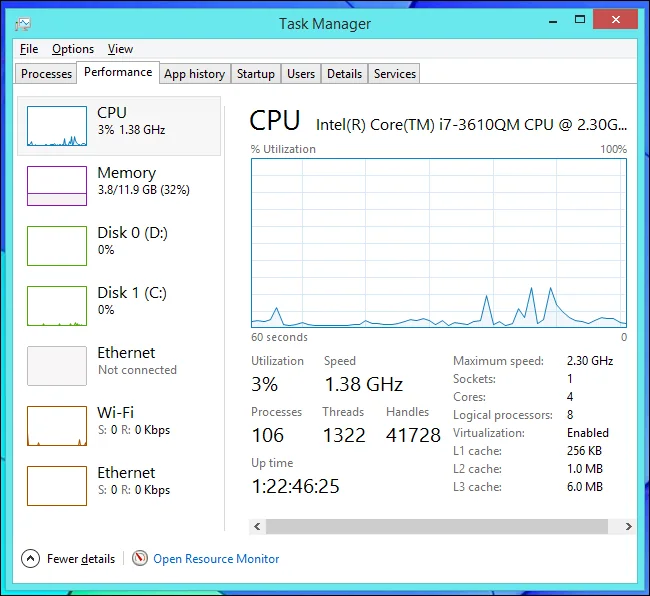
“Logical processors” in a task manager can include simultaneous multithreading, so it is not the same as physical core count. Workloads that share cache or memory bandwidth may stop scaling before every thread is busy. This is why two processors with the same advertised count can perform differently.
For everyday browsing, office work and media playback, responsiveness depends on the whole platform. Look at thermals, memory, storage and software support alongside the CPU name.

