
Liquid damage can affect a phone even when the exterior looks dry. The right response depends on the model and the liquid involved, so check the manufacturer’s instructions for your device. If the phone is wet, disconnect its charger and accessories. Do not charge it while moisture may be present, and do not turn it on to test whether it still works.
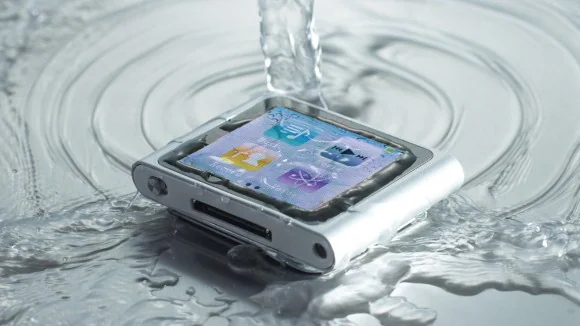
What to do first
- If it is safe to handle, power the phone off. If it is already off, leave it off.
- Remove the case and any removable SIM or memory card tray. Do not open a sealed phone or remove a battery that is not designed to be removed.
- Gently blot the exterior with a clean, soft, lint-free cloth. Hold the charging port facing down and let excess liquid drain naturally.
- Place the device in a dry, well-ventilated area and contact the manufacturer or an authorized repair service, especially after immersion or exposure to salt water, pool water, drinks or other contaminants.
Do not use a hair dryer, oven, microwave, radiator or freezer. Do not insert cotton swabs, paper, tools or other objects into the charging port. Do not shake the phone forcefully or use compressed air. These actions can push liquid deeper or damage seals and connectors.
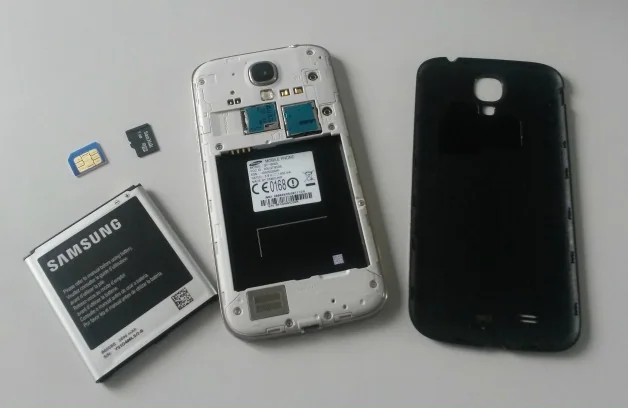
Skip rice and improvised disassembly
A bag of rice cannot confirm that liquid has been removed from internal components and can introduce dust or particles. Opening a sealed handset may damage adhesives, seals or battery connections and can create a safety risk. If the phone becomes hot, swollen, emits an unusual smell or appears physically damaged, stop handling it and seek professional guidance.
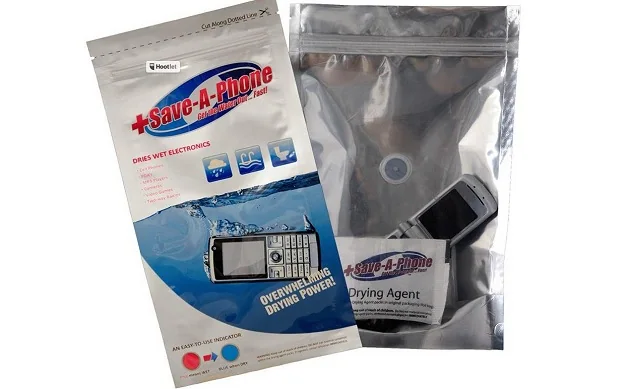
Water resistance has limits
A water-resistance rating applies only under defined test conditions. It does not make a phone waterproof in every situation, and resistance may change with age, impact or repairs. Samsung’s guidance warns users not to charge a wet device and to allow it to dry before charging. Other manufacturers may give model-specific advice, so follow the instructions for the exact phone rather than assuming that all devices behave alike.
Even if a phone starts after drying, corrosion or intermittent faults may appear later. Back up data only after the device is safe to use, and do not keep charging a phone that reports moisture in its port. An authorized technician can inspect the phone and explain repair options. No household method can guarantee recovery or prevent data loss after liquid exposure.

