
Fast battery drain can come from a busy app, weak mobile coverage, a bright display, background activity or an aging battery. Start with the usage screen instead of installing a “battery fixer” app or changing many settings at once. Menu names and battery tools vary by Android version and phone maker.
Check the battery-use breakdown
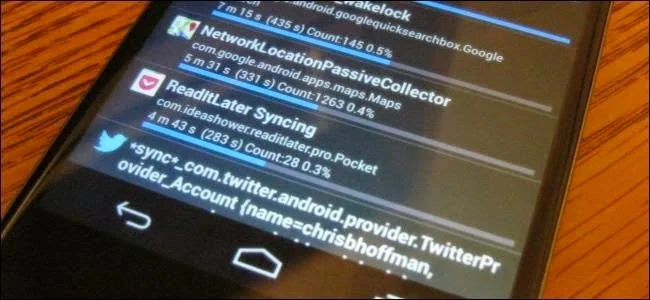
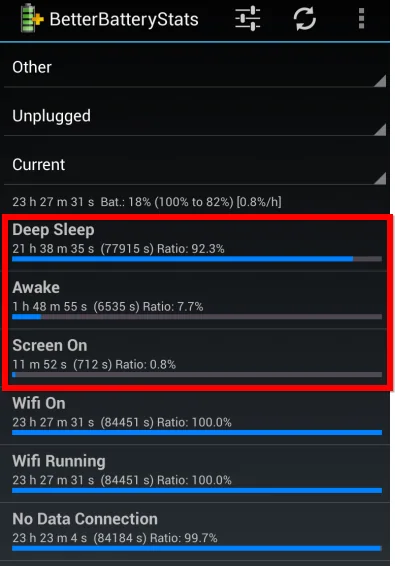
Open Settings and look for Battery, then Battery usage. Review the period shown and compare apps with system categories such as screen, mobile network or Wi-Fi. A high percentage is a clue, not proof that an app is faulty: percentages describe the selected period and may shift as overall use changes.
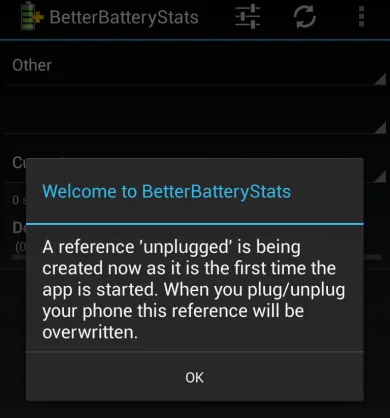
On Pixel phones, Google documents viewing usage by app or by system. Some newer Pixel models also include battery diagnostics, but the feature is not available on every Android phone. Use the manufacturer’s guide for model-specific health checks.
Look for a pattern
Ask whether the drain began after installing or updating an app, traveling through an area with weak signal, enabling hotspot navigation, or installing a system update. Google notes that battery use can be temporarily higher after a software update while the phone completes setup and optimization. Check again after normal use rather than assuming an immediate hardware fault.
Try one reversible change
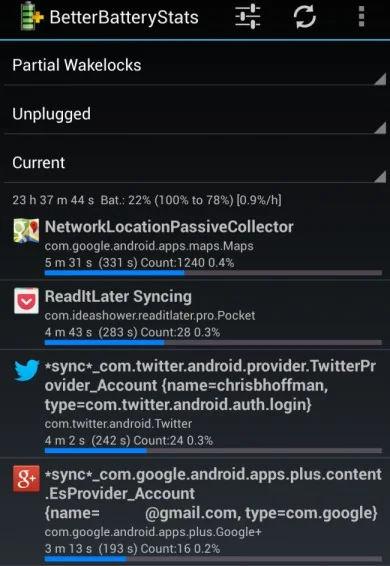
Update an app that repeatedly appears at the top of usage, then restart the phone and observe it during your usual routine. If appropriate, reduce background activity for that app through its battery or data settings. This may delay sync or notifications, so avoid restricting messaging, work, safety or navigation apps without understanding the effect. Keep the operating system updated.
Know when to seek repair
If the phone shuts down unexpectedly, shows a battery-health warning, becomes unusually hot while idle, or has a swollen or deformed case, stop using it and contact the manufacturer or an authorized repair provider. Do not press, puncture or open a swollen battery. Back up important data before any reset or service if the device is safe to use.
Use the battery graph and a few days of consistent observation to narrow down the cause. Contact the app developer for a single app issue and the device maker for repeated system-level drain.

