
WhatsApp does not bill a per-minute calling fee, but calls use an internet connection. If a call runs over mobile data, the data may count against your carrier plan or incur roaming charges. On Wi-Fi, the call uses that network’s internet connection instead. The actual cost therefore depends on your plan, location, roaming status, and how much data the call uses; a single test from years ago cannot predict what your phone will use today.

Measure your own calls
For a useful estimate, note WhatsApp’s network usage before a test, place a call for a fixed period such as ten minutes over mobile data, then check the usage again. WhatsApp’s help center documents the in-app path as Settings → Storage and data → Network usage; labels can vary by app version. You can also compare the phone’s per-app mobile-data counter for the same time period. Avoid mixing Wi-Fi and cellular in the same test, and remember that background activity and call quality can change the result.
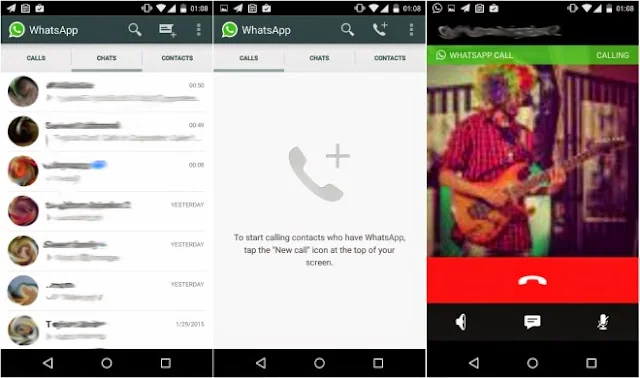
Calculate an approximate rate by subtracting the starting data total from the ending total, then dividing by the call duration. To estimate a bill, compare that amount with your plan’s included data and any overage or roaming price. Carriers use different billing units and rules, so check your plan details rather than assuming a universal price per minute.

Reduce unexpected usage
When possible, make calls on a trusted Wi-Fi network. In WhatsApp’s Settings → Storage and data, review network-usage and media auto-download controls. Some versions also provide a lower-data option for calls; if it appears, try it and check whether the audio quality still works for you. On Android or iPhone, review the operating system’s cellular-data report as well, since the phone’s counter and WhatsApp’s counter may use different reporting periods.

Do not treat “free calls” as meaning that mobile data is free. Before traveling, check roaming terms and consider disabling cellular data for WhatsApp if unexpected charges would be costly. WhatsApp’s own guidance says its calls use the phone’s internet connection and that data charges may apply. Contact your mobile provider for the exact rate on your account.
Official references: WhatsApp: About charges and checking network usage · WhatsApp: Make a voice call

