
A very low phone price can be tempting, but an old promotion does not tell you whether a handset is still supported, compatible with your carrier, or safe to buy. Before paying for a used or refurbished Android phone, check the exact model, the seller’s terms, the device’s condition, and whether it can receive security updates. A discount is valuable only if the phone works for your needs and you can return it if it does not.
Verify the exact phone and seller
Ask for the model number, storage size, carrier status, and photos of the actual device rather than stock images. Check the screen, cameras, ports, buttons, speakers, and battery condition. Make sure the phone is not locked to another person’s account and ask the seller to remove their Google account and factory reset it before transfer. Avoid sellers who refuse basic questions, rush payment, or will not provide written terms.
Check network and software support
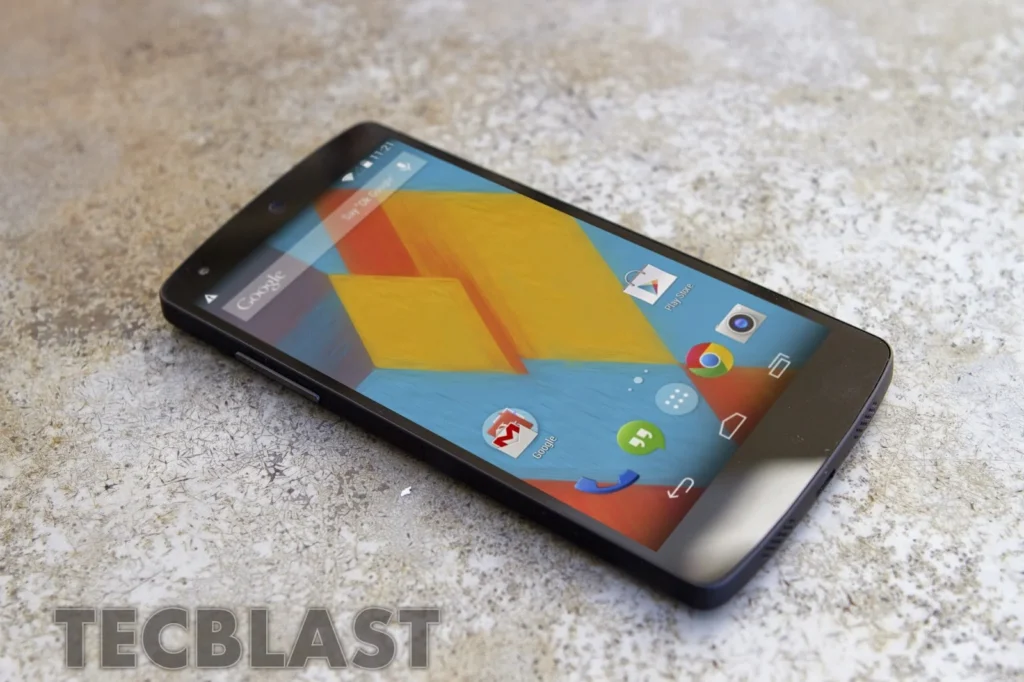
Confirm that the model supports the frequency bands and SIM/eSIM setup used by your carrier and country. Ask the manufacturer or carrier whether the phone can be activated and whether it still receives Android and security updates. Update policies vary by brand, model, and region; support for a newer Pixel does not imply support for a Nexus device or another manufacturer’s model. If a phone is no longer receiving security fixes, do not rely on it for sensitive accounts or long-term daily use.
Review return and payment protections
Read the listing, warranty, shipping costs, return window, and refund rules before purchase. The FTC advises marketplace shoppers to inspect photos and descriptions, review seller terms, and use safer payment methods such as a credit card or a secure platform with buyer protections. Keep the listing and messages in case the delivered phone differs from what was promised. Avoid gift cards, wire transfers, cryptocurrency, or payments outside the marketplace when dealing with an unfamiliar seller.
Inspect before adding your data
On receipt, compare the phone’s model and condition with the listing. Check that it charges, connects to the network, and can install system updates. Reset it if it still contains another person’s account or apps, then set it up with your own account and a screen lock. Install apps from trusted sources and turn on built-in security features. If the seller’s account lock cannot be removed, contact the seller or platform instead of trying to bypass it.
Google publishes update information for Pixel devices, but Android support schedules differ across manufacturers. Check the exact phone’s official support page before you buy. A dated deal article cannot confirm current availability, warranty, or software support; current manufacturer, carrier, and seller information should guide the purchase.

