
A slowly rising battery percentage does not always mean the battery has failed. Charging depends on the phone, power adapter, cable, temperature and what the phone is doing. Check those factors one at a time.
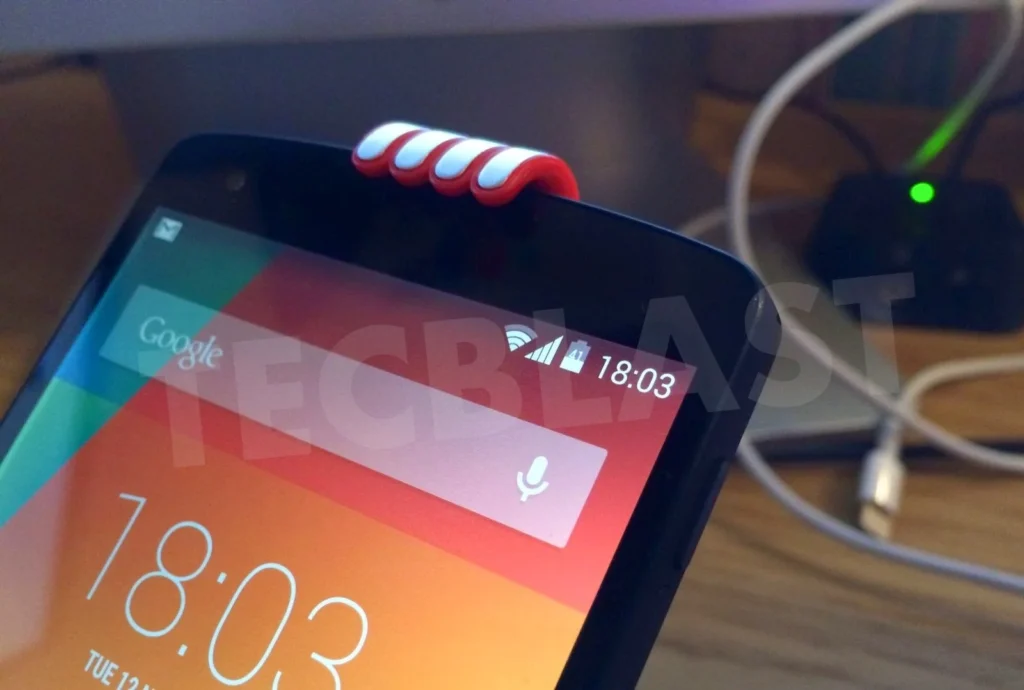
1. Inspect the cable and connection
Look for fraying, bent connectors or an unreliable fit. Stop using visibly damaged accessories. Test a known-good cable approved or recommended for your device rather than assuming that every cable with the same connector supports the same charging behavior.
If a port reports moisture, debris or excessive heat, follow the manufacturer’s instructions. Google’s Pixel warning guidance specifically says not to put objects into the port. Avoid poking contacts with metal or adding liquid.
2. Check the power source and adapter
A computer port may supply less useful charging power than a compatible wall adapter. The adapter must support the charging method the phone uses; the largest printed wattage is not a guarantee of the fastest result.
Google’s Pixel charging guidance discusses compatible equipment and slower charging from some sources. Samsung also recommends testing compatible equipment. Consult your model’s documentation rather than copying another phone’s specifications.
3. Let a hot phone cool normally
Charging may slow as temperature is managed. Move the phone away from direct sunlight or other heat and stop demanding tasks. Do not cool it in a refrigerator or place it where condensation may form.
If it becomes unusually hot, shows physical damage or repeatedly issues a charging warning, stop and seek support. Trying more powerful adapters is not the right response to a persistent safety warning.
4. Reduce use during the test
Games, navigation, video and other demanding activity consume power while the battery charges. Put the phone down for a controlled comparison with the screen off. Compare similar starting battery levels and conditions rather than judging two entirely different sessions.
There is no need to blame yourself for ordinary phone use. The purpose of this test is to separate charging input from power being consumed at the same time.
5. Review charging settings and battery condition
Some devices intentionally adjust charging schedules or limits. Check whether a setting explains a pause or slower final stage before assuming a fault. A phone that never supported a given fast-charging method cannot acquire it through an unrelated app.
Persistent changes after testing suitable accessories deserve manufacturer or repair-service attention. Record the model, adapter, cable, starting level and warnings. Avoid opening a sealed battery yourself. A clear description of repeatable behavior is more useful than purchasing accessories at random.

