
Many digital cameras store still photos in a folder named DCIM. The name is part of the Design rule for Camera File system (DCF), an industry specification maintained by the Camera & Imaging Products Association (CIPA) with JEITA. DCF gives compatible cameras and software a predictable way to organise and identify image files across memory cards and devices.
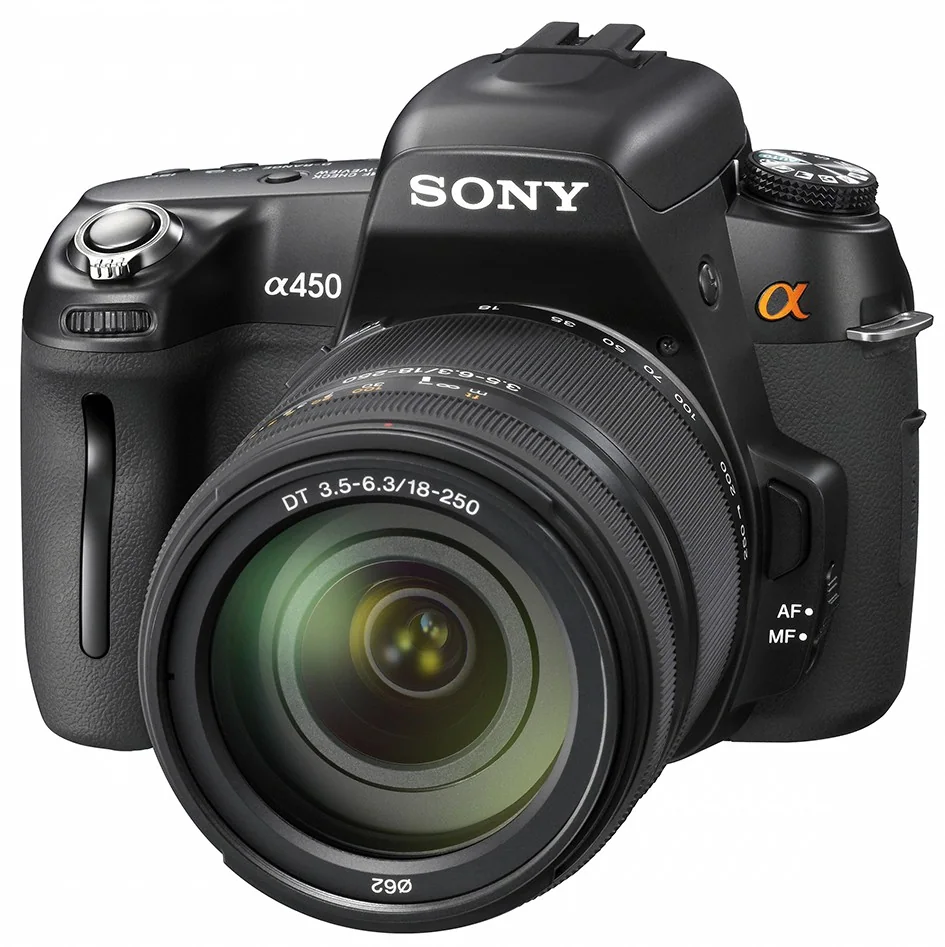
How a typical camera card is organised
A common layout looks like DCIM/100ABCDE/ABCD0001.JPG. The top-level DCIM folder contains one or more image directories. Under DCF, a directory name has a three-digit number from 100 to 999 followed by five characters chosen by the device maker; the number identifies the directory and must not be duplicated on the same medium. Directory numbers do not have to be consecutive. File names use a compatible pattern as well, while image formats and extensions can vary by camera.
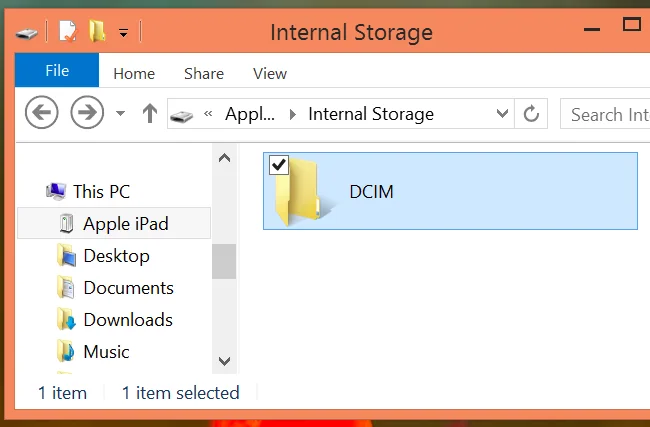
That shared structure helps a camera, card reader or photo-import program find media without needing to know a private folder path for every manufacturer. It is a convention for compatible camera files, not a rule that every phone or photo app must use in exactly the same way.
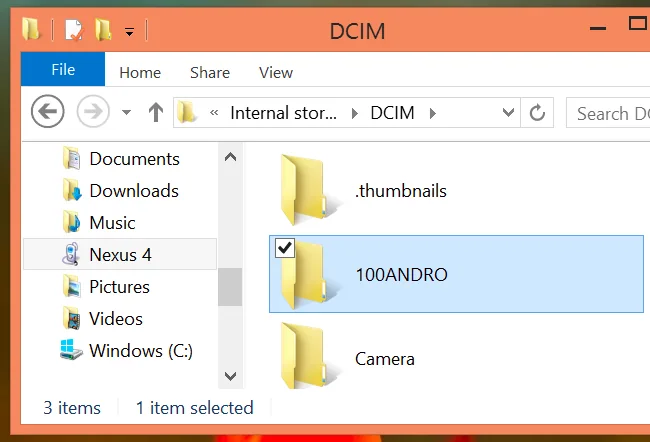
Folder names and contents can differ
The letters after the three-digit directory number are not universal. A camera might create folders such as 100MSDCF, while another model uses a different suffix. The camera may create additional numbered folders as images accumulate or when media is prepared; gaps in the numbers do not by themselves indicate missing photos.
Nor does DCIM necessarily contain every file recorded by a camera. For example, Sony’s transfer guidance for a current camera says that still images such as JPEG, RAW and HEIF files are in DCIM, while recorded movies are stored under a separate PRIVATE/M4ROOT/CLIP path. The exact layout depends on camera model and recording format, so consult that model’s manual before assuming that a folder contains the entire shoot.
Copy photos without risking the originals
- Copy the complete card contents to a computer or storage device; do not move or delete the originals during the first transfer.
- Preserve the folder structure and any related files. Avoid renaming directories until the copy has been checked.
- Open a selection of copied photos and videos, and compare the copied folders or file counts with the card.
- Keep a second backup on a separate device or trusted storage before reusing or formatting the card.
If a computer or phone does not show a photo, check the camera’s documented folder layout and file type before concluding that the image is missing. The standard explains why DCIM is common; it does not mean every device stores every kind of media there.

