
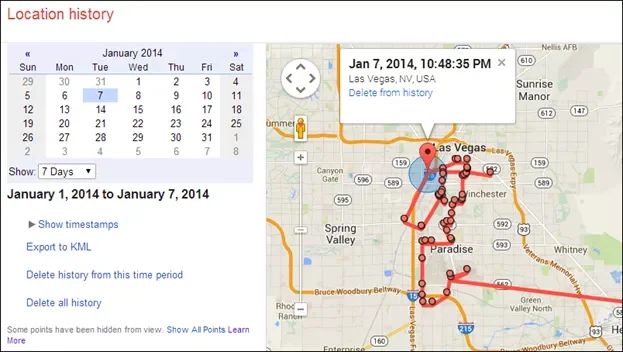
A 2014 headline claimed Google Location History was still recording a user’s movements. The subject remains important, but Google Maps and account controls have changed since that article was published. The current setting is called Timeline in Google Maps. Its behavior depends on the device and the choices on that account, and it is separate from other activity controls. The safest approach is to review the current Google help pages and inspect each relevant setting yourself.

What Maps Timeline is for
Timeline can save places and routes associated with your Google Account so you can revisit where you have been. Google’s current account help says that, when Timeline is on, precise device location is regularly saved to the device, even when Google apps are not being used. Options to back up Timeline data can also affect how it is stored. Because this product has changed over time, an old description of cloud storage or a desktop map may no longer match today’s experience.
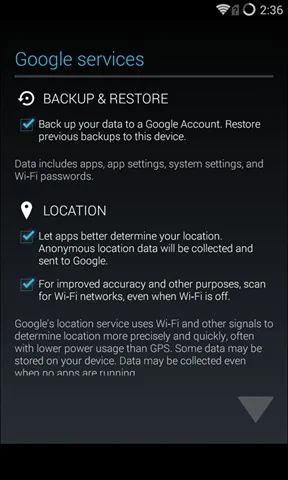
Review Timeline on your device
Open Google Maps while signed in to the account you want to review, then open your profile menu and choose Your Timeline. The exact location of controls can differ by app version and platform. Review whether Timeline is enabled, whether a backup is configured, and what date range is present. If you want to stop future Timeline entries, use the current controls shown in the app or Google Account Help. Do not assume that removing the app or turning off device location automatically deletes existing Timeline data.
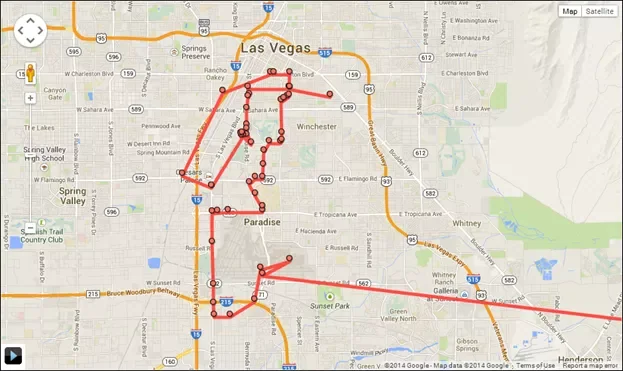
Delete saved Timeline information
Google provides tools to delete Timeline data, including deletion by date or deletion of saved history, subject to the interface currently available to your account. Before deleting anything, consider whether you need to export or retain a copy. Deletion can be difficult or impossible to reverse. If a backup exists, check its status and deletion controls as well. Follow the confirmation prompts carefully and verify afterward that the intended range has been removed.
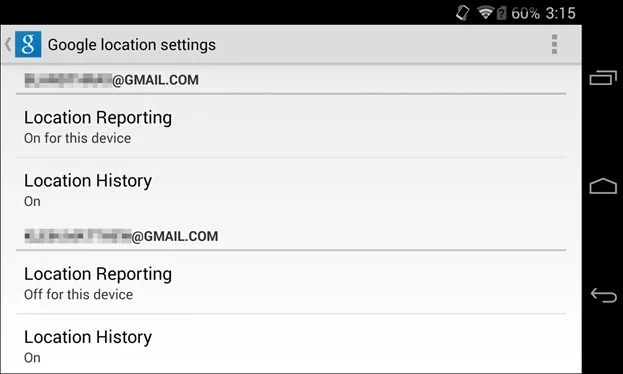
Other Google activity settings are separate
Turning Timeline off does not necessarily turn off every kind of location-related data. Google’s location information policy explains that other services and settings, including Web & App Activity, can store information connected to use of Google products. A website or app may also have its own device-location permission. Review Android or iOS app permissions and Google Account Activity controls separately. The controls affect different data and have different purposes.
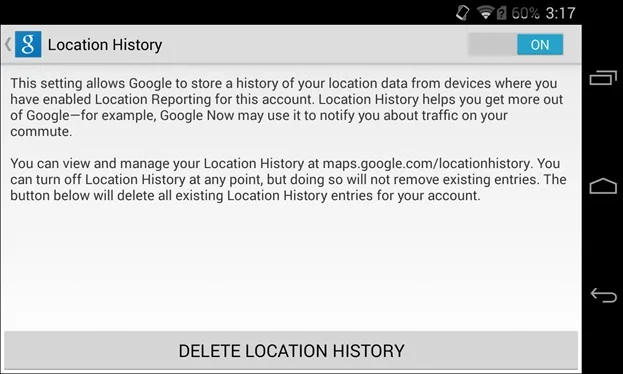
Practical privacy checks
Use the account profile indicator to confirm which Google Account is active before changing settings. Review location permissions for individual apps and allow access only when it supports a feature you use. Check shared devices and browser sessions, protect the account with a strong unique password and two-step verification, and periodically revisit privacy controls. If you manage a family or work device, explain the consequences before changing location settings because maps, safety features and shared services may behave differently.
No single setting should be described as stopping all location collection. Timeline controls saved visit history; other activity controls and app permissions address different flows. Check the current in-app labels, consult Google’s official documentation, and make the choice that fits your needs. This updated explanation replaces the absolute 2014 framing with distinctions users can verify in their own account.

