
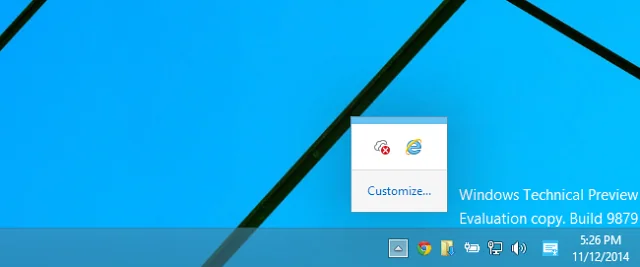
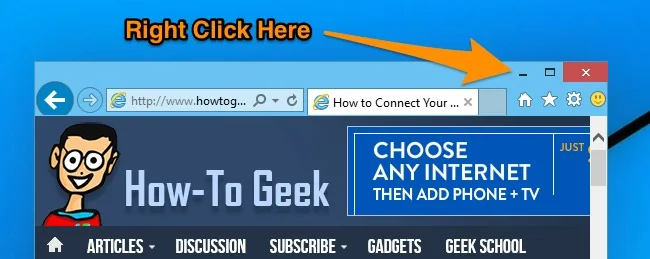
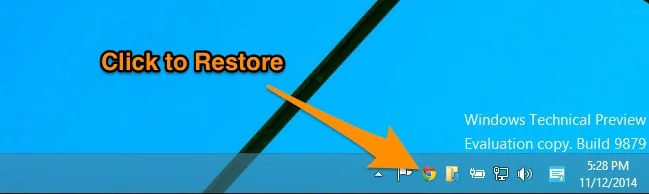
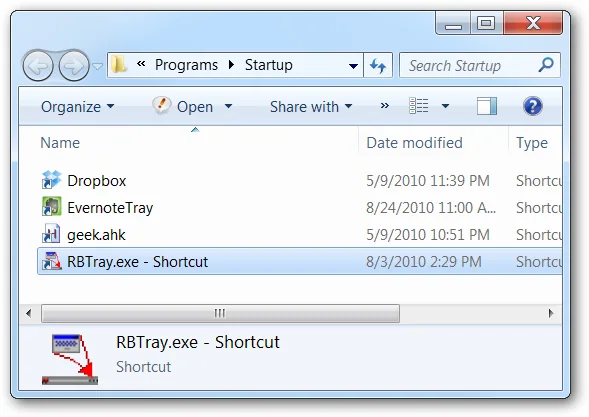
Windows normally minimizes a window to a taskbar button. The notification area near the clock is different: apps place icons there when they support background operation. Windows has no universal built-in command that sends every ordinary window to the tray. Older utilities such as RBTray attempted this behavior, but the original article’s download and compatibility claims are dated.
Check the app’s settings
Look in the program’s own settings for “minimize to tray,” “close to notification area,” or “run in background.” This is usually safer because the app explains its behavior and how to restore the window. Some apps quit when closed; others keep syncing or monitoring. Read the application’s official documentation before changing startup behavior.

Find hidden icons
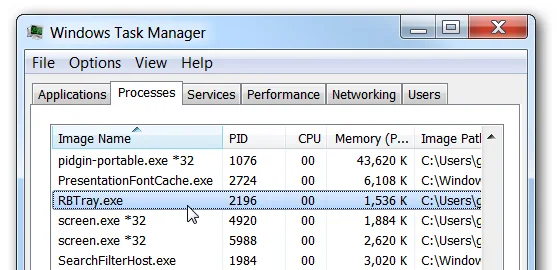
Windows may hide less-used notification icons in an overflow menu. If an app is running but its icon is not beside the clock, open Taskbar settings and choose which icons can appear. A hidden icon does not mean the program has stopped. Avoid ending unfamiliar background processes; they may handle accessibility, updates, security, or active work.
Third-party tools need scrutiny
If you need generic tray behavior, verify the original developer, recent maintenance, Windows compatibility, and download integrity. Prefer a signed release from a verified developer or reputable repository. Scan installers with Windows Security and reject repackaged downloads or bundled offers. A small file and an old positive review do not prove that a current download is safe.

