
Looking for a uTorrent alternative on Windows? The right choice depends on what you value: a simple interface, open-source development, cross-platform support or remote control. Tecblast’s original list dates to 2015, and several product details and Windows builds have changed since then. Use this guide as a starting point, then check each project’s official download page for current versions and system requirements.
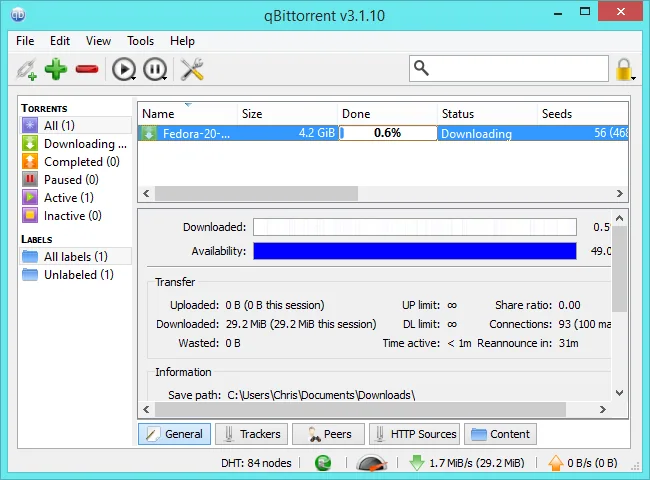
qBittorrent: a familiar, full-featured option
qBittorrent describes itself as an open-source alternative to µTorrent and supports Windows alongside other desktop platforms. It offers a conventional torrent-list interface with controls for choosing files, setting bandwidth limits and managing queues. Its project site and release pages are the right places to get an installer and read current release notes. Avoid lookalike paid listings and download sites that bundle unrelated software; the project has specifically warned about unofficial listings.
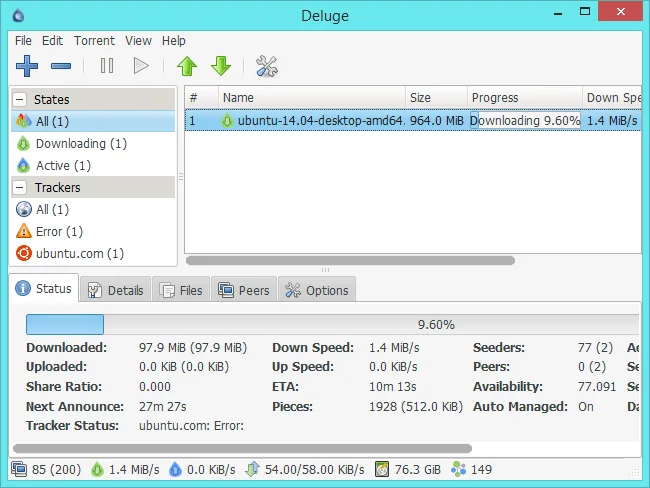
Transmission: a simpler interface
Transmission is another open-source client, with official Windows installers available from its download page. The interface is deliberately straightforward, so it can suit people who want to add a torrent, select files and monitor transfers without a crowded dashboard. Check the page for the Windows version and minimum operating-system requirements before installing; those requirements can change between releases.
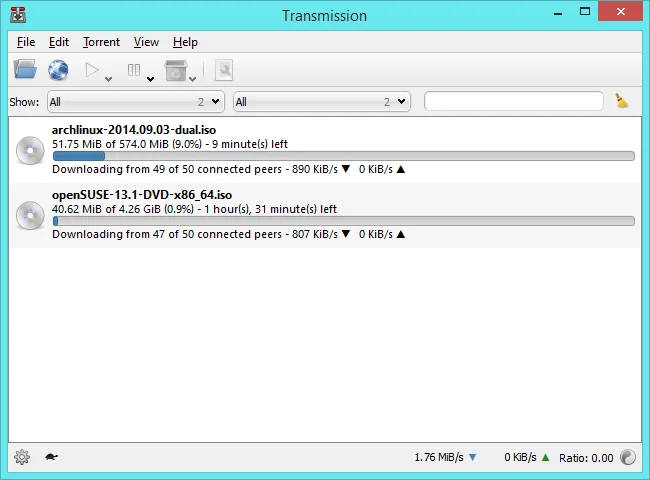
Deluge: modular configuration
Deluge is a cross-platform BitTorrent client with a plugin-oriented design. Its interface and terminology may feel less familiar at first, but its documentation and official download links help you check whether the available Windows build meets your needs. Review plugin compatibility and project activity before relying on optional add-ons, particularly on a computer used for work.
How to compare clients
- Installer source: use the client’s official project site or a distribution channel linked by that project.
- Maintenance: look at the date and notes for the latest stable release, supported Windows versions and known issues.
- Features: compare file selection, queue controls, bandwidth limits, magnet links, remote access and whether you actually need plugins.
- Privacy and access: if remote control is enabled, use a strong unique password and keep its interface off the public internet unless you understand how to secure it.
- Resource use: test one client with a small, legitimate transfer before moving a large library or configuring automation.
Use BitTorrent lawfully and carefully
BitTorrent is a file-sharing protocol; the protocol itself does not determine whether a particular download is authorized. Download or share content only when you have permission or a clear legal basis, such as a creator-provided release or a project distributing its own files. A client cannot guarantee that a torrent or the files inside it are safe. Keep Windows security protections enabled, scan files before opening them and do not run unknown executables just because they arrived through a torrent.
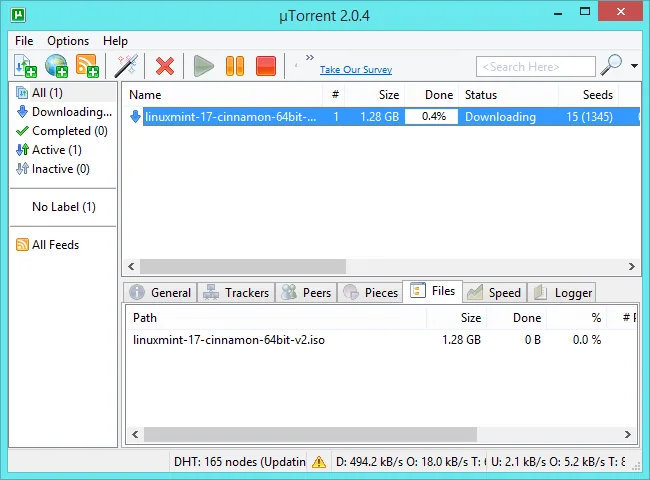
For most Windows users who want a straightforward replacement, compare current qBittorrent and Transmission releases first. Choose Deluge when its plugin approach matches a specific need. The best client is the one you can obtain from the official source, keep updated and configure safely; no single ranking stays accurate forever.

