
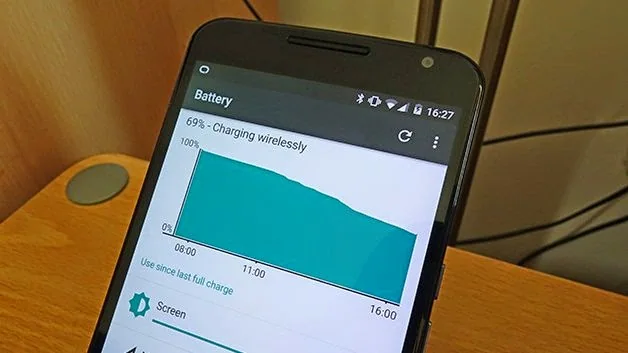
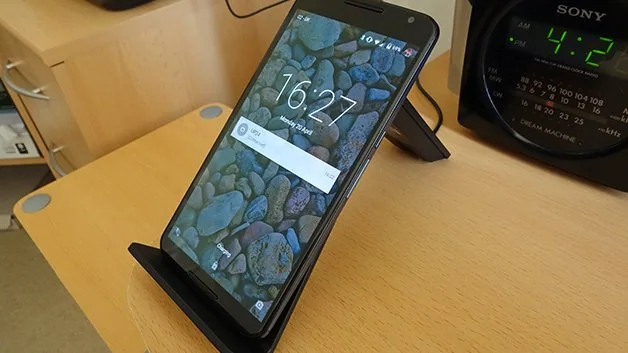
Wireless charging uses an inductive coil in the phone and a compatible charging pad. The phone must support the same charging standard as the pad, or use a case or receiver designed to add that support.
Check compatibility
Look up the exact phone model and charging standard before buying accessories. A pad that fits the connector or lights up is not proof that it can charge the phone safely.
Place the phone correctly
Align the phone’s coil with the centre of the pad and remove thick or metallic cases. Misalignment can slow charging or create extra heat. Keep the pad on a hard, ventilated surface.
Expect slower charging
Wireless charging is convenient but can be slower and less efficient than a wired connection. Use the manufacturer’s adapter and stop if the phone or pad becomes unusually hot.
Common failure points
Check the exact version, permissions and network conditions before changing advanced settings. Keep a written note of the original setting so you can reverse the change. If a problem affects work or personal data, stop experimenting and use the vendor’s support channel.
Privacy and maintenance
Prefer built-in settings and official downloads. Review permissions after installing an extension or utility, remove tools you no longer use and apply security updates. A clean backup makes troubleshooting safer and prevents an experiment from becoming data loss.
Official reference: support.google.com.

