
The LG G3 launched in 2014 with Android, a removable battery in many markets, a microSD slot and LG’s own software interface. Its first-run screens and menu names belong to an older version of Android, so this guide records the general setup process rather than promising that every option still works or appears the same way.
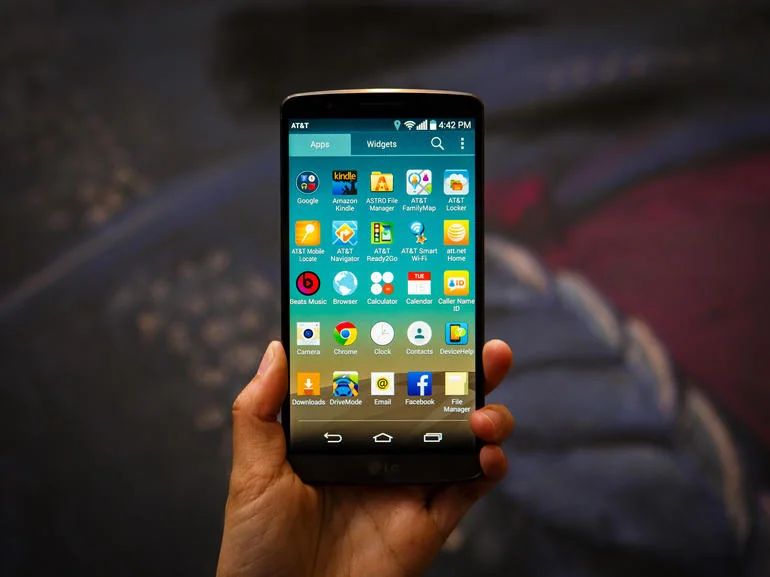

Prepare the phone
Before turning on a used or newly purchased G3, inspect the handset, battery and charging port for damage. Use a compatible charger and stop if the battery is swollen, unusually hot or physically damaged. Insert a SIM and microSD card only if needed, following the device markings and its manual. Avoid forcing a tray or card into place.
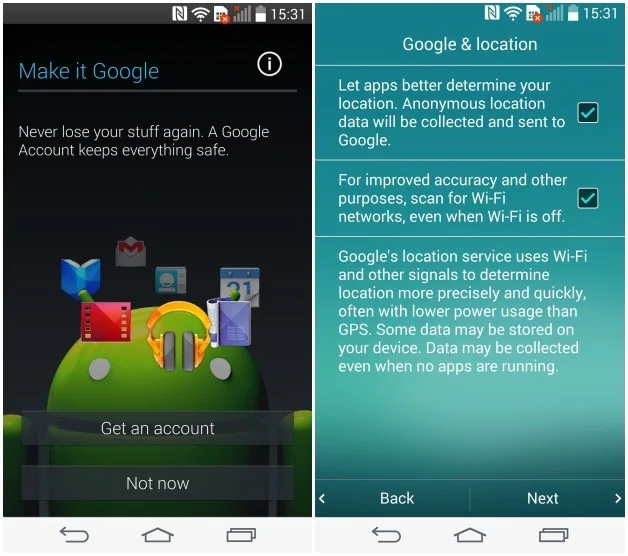
Complete initial setup
At startup, choose a language and connect to a trusted Wi-Fi network if available. Sign in with the Google account intended for the device and review each permission or backup choice. Account recovery details should be current. A Google account can restore some settings and synced information, but it does not replace a separate backup of photos, documents and other files.
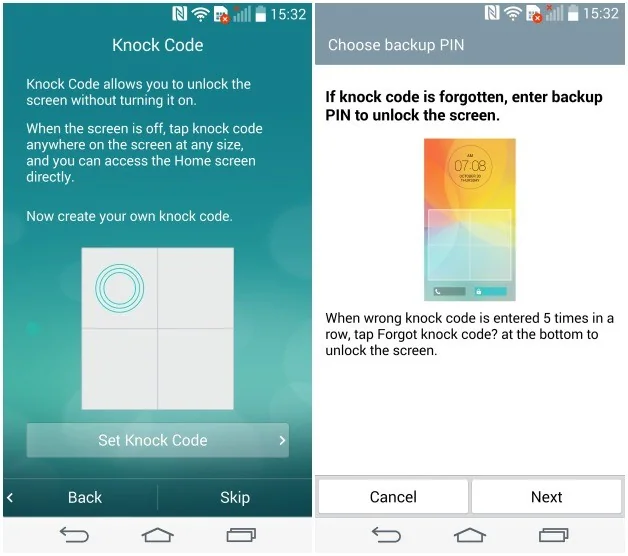
Set a screen lock and review device administrator, location and app permissions. Install applications only from sources you trust. Because the G3 no longer receives current platform security updates, avoid using it for sensitive accounts, financial activity or other tasks that depend on up-to-date security protections.
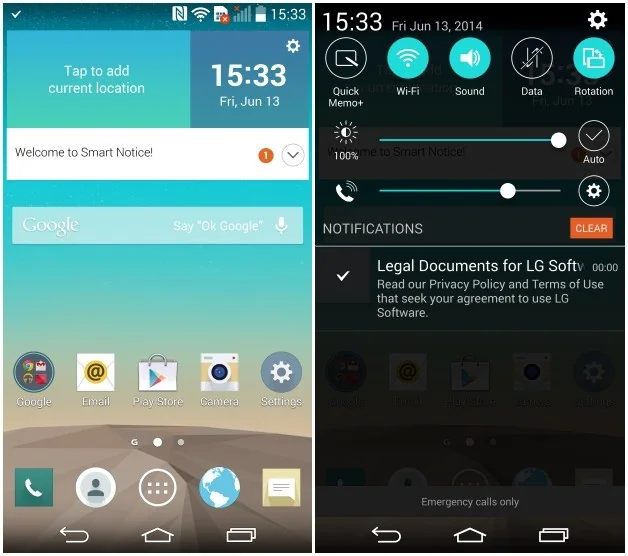
Update and check compatibility
Carrier and region affected which software releases were offered. Check the handset’s model number and carrier before seeking an update, and use only official LG or carrier support material that matches the exact variant. Do not flash firmware intended for another G3 model: a mismatch can prevent the phone from starting. If no supported update is available, treat the device as legacy hardware rather than attempting unofficial packages from unverified sites.

Restore or pass on a G3
If setting up a second-hand phone, confirm that the previous owner removed their accounts and that the device is not still protected by an account lock. Before selling or recycling it, copy needed files, remove accounts through the settings interface and perform the manufacturer’s supported factory reset. A reset erases local data, so verify the backup first.
The LG G3 can still be useful for learning about early 2010s Android design or as a carefully limited offline device. Its age affects app compatibility, battery health and security. Check the exact model’s documentation and the condition of the hardware before relying on it.

