
Weak mobile reception at home can come from distance to a tower, building materials, terrain, network congestion or a phone setting. Before buying equipment, identify when and where the problem occurs: compare rooms, test outdoors, and check whether calls, texts and mobile data are all affected. If every device on the same carrier struggles in the same location, the network or building is more likely involved than one handset.
Try simple checks first
- Move near a window or to a higher, more open part of the home and retest.
- Restart the phone, then confirm that Airplane Mode is off and the preferred network mode is available.
- Install current carrier settings and operating-system updates; menu names vary by phone.
- Check your carrier’s coverage map and contact support to ask about an outage, local coverage, SIM provisioning or a network issue.
If your home internet is reliable, Wi-Fi Calling may let a supported phone and carrier place or receive ordinary calls over Wi-Fi. On iPhone, check Settings > Cellular, select the relevant line if there are multiple SIMs, tap Wi-Fi Calling, then turn on Wi-Fi Calling on This iPhone. Availability, emergency-address prompts and supported features depend on carrier and region. Android menu paths also differ by manufacturer and carrier, so use the device maker’s current instructions.
Consider a signal booster carefully
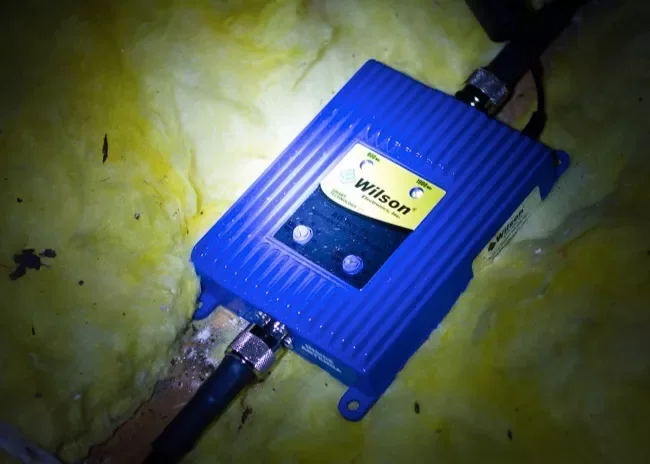
A booster cannot create coverage where the carrier signal is completely absent, and placement or compatibility matters. Before purchasing, confirm the exact carrier bands and local rules, and choose a properly certified consumer device from a reputable seller. In the United States, FCC rules require consumer signal boosters to be registered with the relevant wireless provider and used with approved antennas and cables; follow the device label and carrier instructions. Do not modify its antenna or disable interference-protection features.
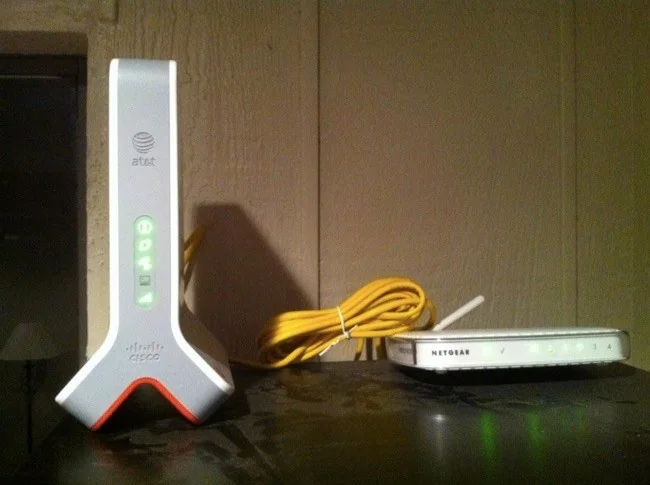
A booster is not the same as a femtocell or Wi-Fi Calling, and it may not improve data speed if the outside signal or network capacity is poor. Ask your carrier whether a booster is supported, whether registration is required, and what alternatives are available. Compare the likely benefit with the cost before installing equipment.
For iPhone Wi-Fi Calling, Apple notes that carrier support is required and that emergency calls may use Wi-Fi when cellular service is unavailable. Keep your emergency address current when prompted and understand how emergency calling works in your region.

