
Rolling a Nexus device back to an older Android release can remove security fixes and may erase data. The exact process depends on the model and build, and old downgrade instructions should not be followed as universal guidance.
Understand the risks before changing software
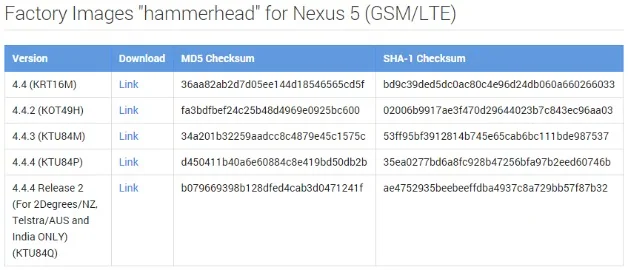
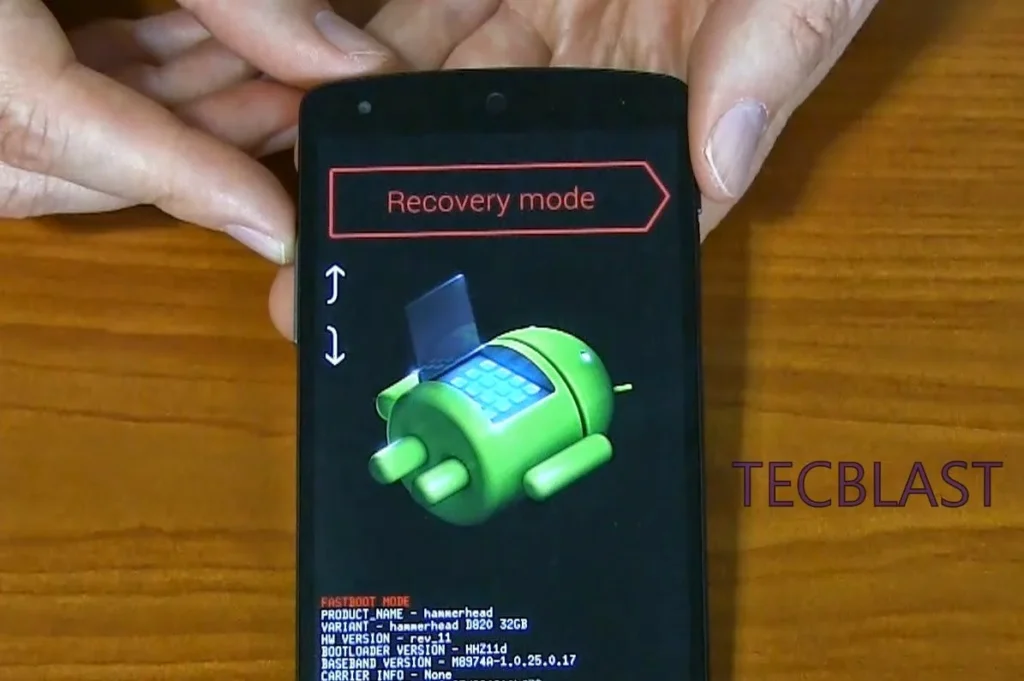
Google’s factory-image documentation warns that installing a factory image erases device data and unlocking the bootloader makes a device less secure. A factory image is intended to restore a supported device to its original firmware; it is not a general downgrade recommendation. Packages for the wrong model or build can prevent the phone from starting, and older releases may no longer receive security updates.
Safer alternatives
If a recent update caused a problem, first install available updates, restart the device and check the manufacturer’s support notes for the exact model. Back up important files and recovery codes before any reset. Where Google provides a full OTA package for a supported device, its documentation says this can usually be sideloaded without unlocking the bootloader or wiping data; that option is still model- and build-specific.
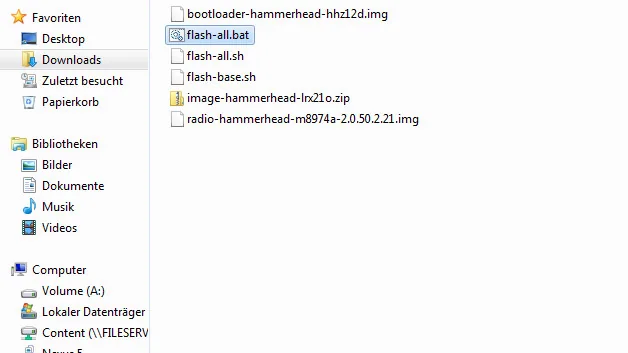
This is a safety explainer, not a flashing tutorial. The original post’s dated downgrade steps have been removed. Confirm support status and instructions from the device maker before taking action, and avoid firmware mirrors or packages whose origin cannot be verified.

