
A phone can access a Windows shared folder when both devices can reach the same local network and the phone’s file app supports the SMB sharing protocol used by Windows. The exact Android app and menu vary by manufacturer; iPhone and iPad users can connect through Apple’s Files app. A shared folder is for a trusted local network, not a reason to expose Windows file sharing to the public internet.

Share only the folder you intend to expose
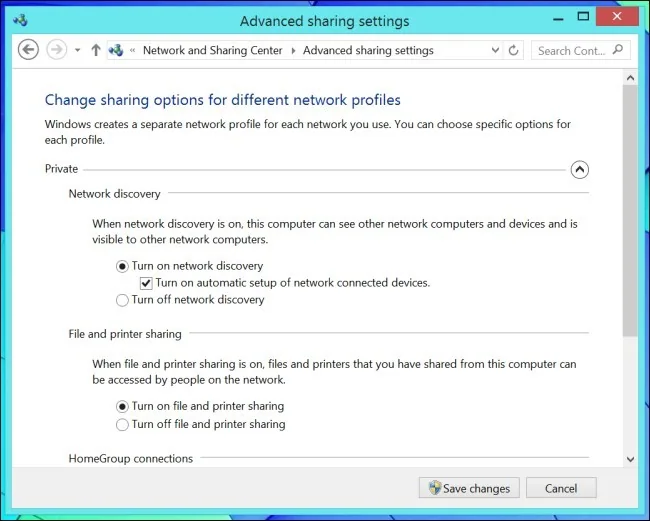
On a trusted home or workplace network, use File Explorer to select the folder, open its sharing options and choose specific people or accounts that need access. On Windows 11, Microsoft documents sharing through the folder’s context menu and “Give access to.” Use a separate account with an appropriate password and grant only the permissions needed. Keep Network discovery and file sharing limited to a network you trust.
Connect from iPhone or iPad
- Open Files and tap Browse.
- Tap the More button, then Connect to Server.
- Enter the computer name or network address for the Windows machine and tap Connect.
- Choose Registered User and enter the Windows account credentials authorized for the share. Use Guest only if the computer is intentionally configured to allow guest access.
- Choose the shared volume or folder, then browse it from Files. Eject the server from the Browse sidebar when you finish.
Connect from Android
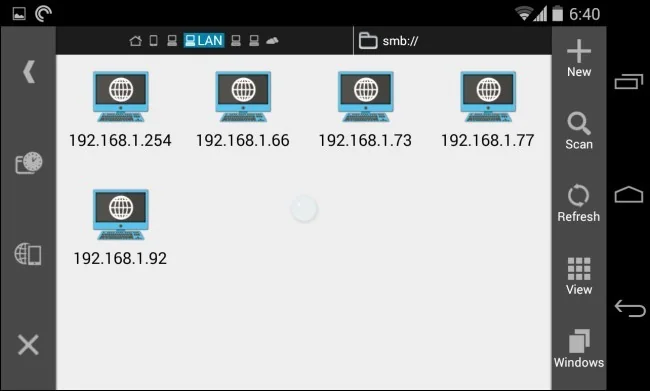
First check whether the phone’s file manager offers Network storage, SMB or Windows share access. If it does, enter the computer’s local name or IP address and sign in with an account permitted to use the share. If there is no SMB option, consult the phone maker’s documentation and use a reputable file manager that explicitly supports SMB; Android does not present the same menu on every device.
Troubleshoot and protect the share
Keep the PC awake, place both devices on the same trusted network and check the exact share name and account permissions. A guest Wi-Fi network may prevent devices from seeing each other. Do not turn off password protection as a blanket fix or forward SMB ports from your router to the internet. Microsoft recommends blocking inbound SMB access from the internet. For remote access, use an organization-approved secure method such as a VPN or a cloud-sharing service.
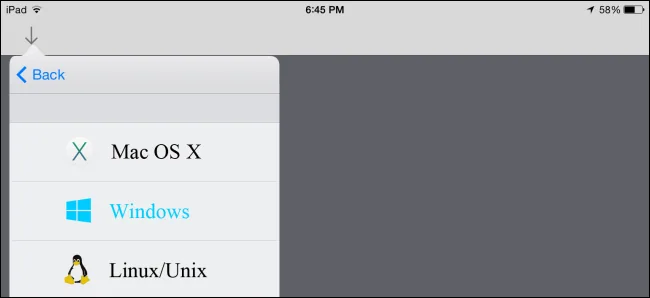
If the phone cannot connect, verify the Windows share locally and review the device maker’s current instructions. Menu labels and compatibility vary by operating system, app and network configuration.

