
Google introduced the Android L developer preview in 2014 for a limited set of Nexus hardware. It was experimental software for developers, not a current Android release or a suitable upgrade for a phone used every day. Android L later became Android 5.0 Lollipop. The preview images and installation process described here belong to that period and should be treated as archival history.
Supported devices and prerequisites
The original preview targeted specific Nexus 5 and Nexus 7 variants. Device model, connectivity variant and image build had to match exactly. A factory image for the wrong model could make the device unusable. Google’s historical Nexus factory-image documentation described the supported images and the required flashing process. Those old packages are not a safe way to update a modern phone.
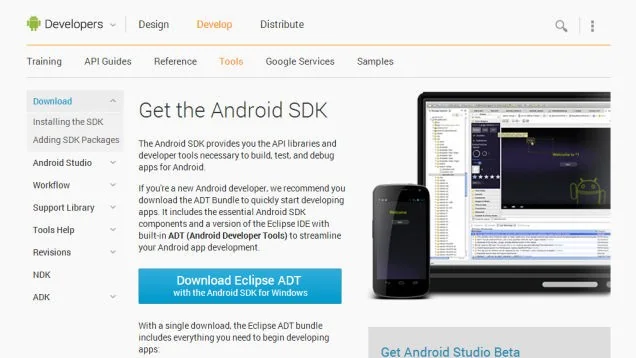
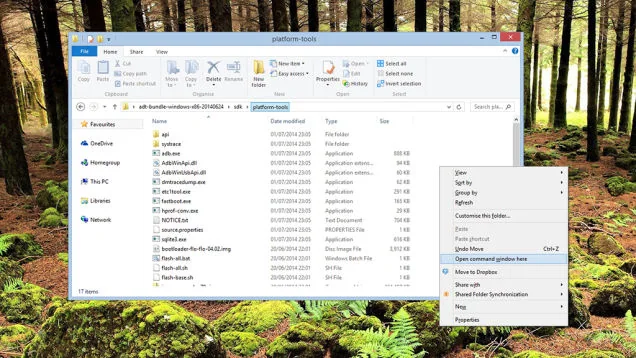
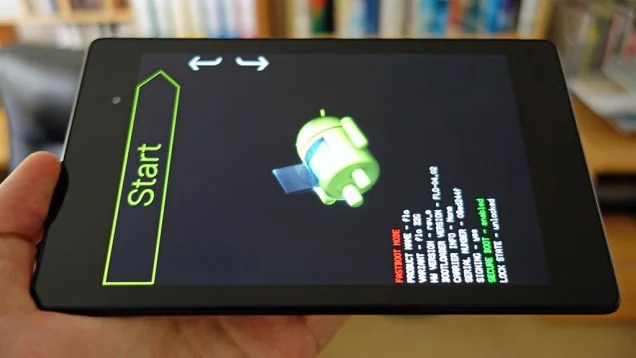
Factory-image installation generally required an unlocked bootloader and Android platform tools on a computer. Unlocking commonly erased user data; flashing could erase it again. A complete backup, a charged device, a reliable USB cable and familiarity with command-line tools were essential. The user also needed to understand how to restore the device’s original supported software.
Why the preview carried risk
Developer previews can contain crashes, unfinished features, battery drain, broken applications and security defects. A preview device may fail to boot or lose data. Compatibility changes between preview builds, so instructions for one release may not apply to another. A daily-use phone, a device holding irreplaceable files, or a phone needed for emergency communications should never be used for this kind of experiment.
How to approach this archive today
Do not download an old image from an unknown mirror or follow a copied command without checking its target. If you are researching Android history, use archived Google Android developer materials and contemporary release notes to understand what changed. If you want to update a current device, use its manufacturer’s supported system update or official recovery instructions for its exact model. Android L preview files are obsolete and do not provide current security protection.
This article preserves the context of a 2014 developer preview. It does not provide a current installation recommendation. The safest present-day choice is to keep supported hardware on its latest official software and avoid flashing packages intended for discontinued devices.

