
The original Android L Developer Preview belonged to a specific 2014 release and a small set of Nexus devices. Its downloads and installation instructions are obsolete. Today, Android previews and beta releases belong to current testing programs, and the exact devices, enrollment steps, features, and exit rules change with each release. Never install an old preview package simply because a legacy guide still links to it.
Understand the build you are choosing
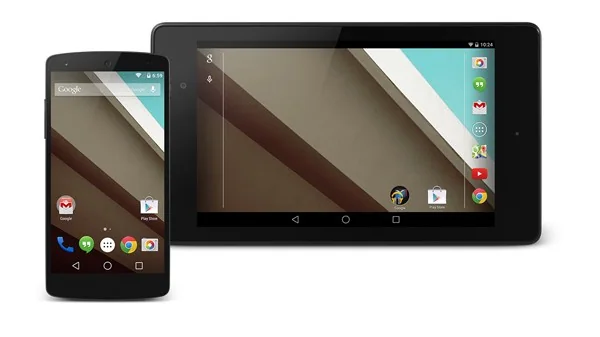
Developer previews and beta software exist so developers and testers can find compatibility problems before a stable release. They can contain defects, change behavior between updates, affect battery life, or break apps and accessories. Google’s Android developer documentation publishes release information and known changes for current versions. Read the release notes for the exact build and check whether the program is intended for application testing or general consumer use before enrolling.
Check eligibility and installation instructions
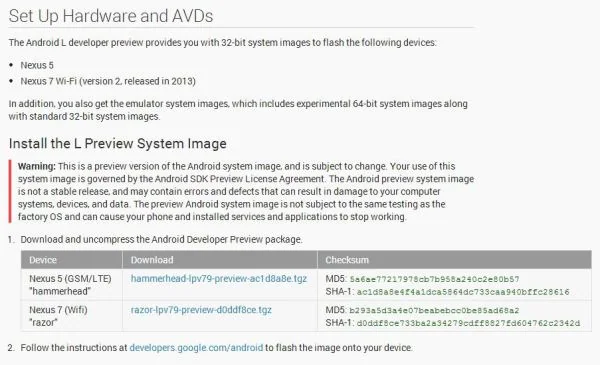
Use the official Android developer or Android Beta page to confirm that your exact device and region are supported. A device name alone is not enough: carrier variants, managed work phones, and regional firmware can have separate restrictions. Follow only the installation route linked from the official program. Avoid third-party mirrors, forum commands, and packages for a different model; flashing the wrong image can erase data or leave a phone unable to start.
Prepare before testing
Back up photos, messages, authenticator recovery codes, and files that would be difficult to replace. Verify that the backup completed and that you can sign in to restore it. Read the program’s exit instructions before enrollment, because leaving a beta can require installing a stable build and may erase local data depending on the route and timing. Keep enough free storage and battery, and avoid using a beta on a primary work or emergency device unless downtime is acceptable.
Report problems and protect data
After installation, test the apps and device functions you need and send reproducible feedback through the official reporting channel. Do not put sensitive production accounts or confidential data on a test device unless your organization approves it. Install updates from the program and monitor official release notes; a newer beta may fix one issue while introducing another.
If you need predictable reliability, stay on the stable Android release offered through your device’s system update settings. If you test preview software, treat it as unfinished, keep a verified backup, and have a supported recovery plan. Android’s current developer pages are the reference for current release information; check them again before acting because schedules and supported devices can change.

