
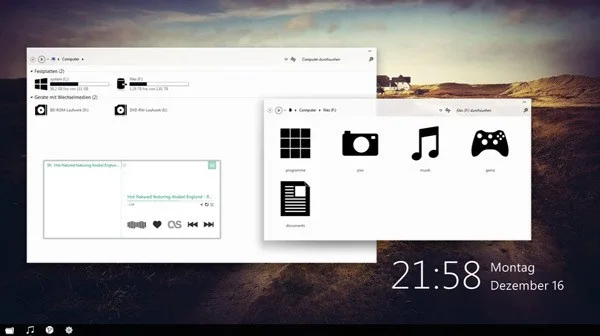
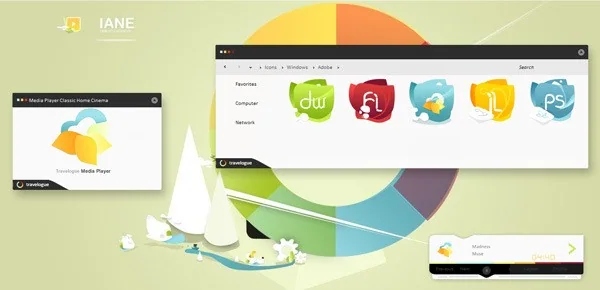
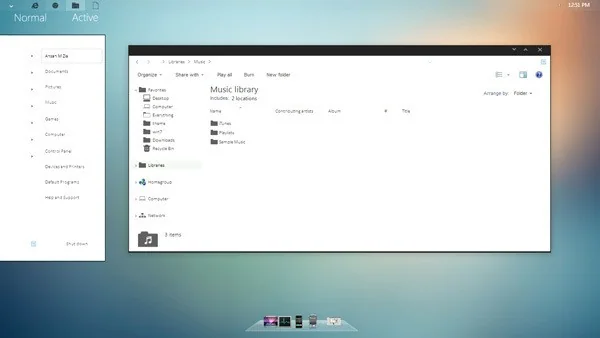
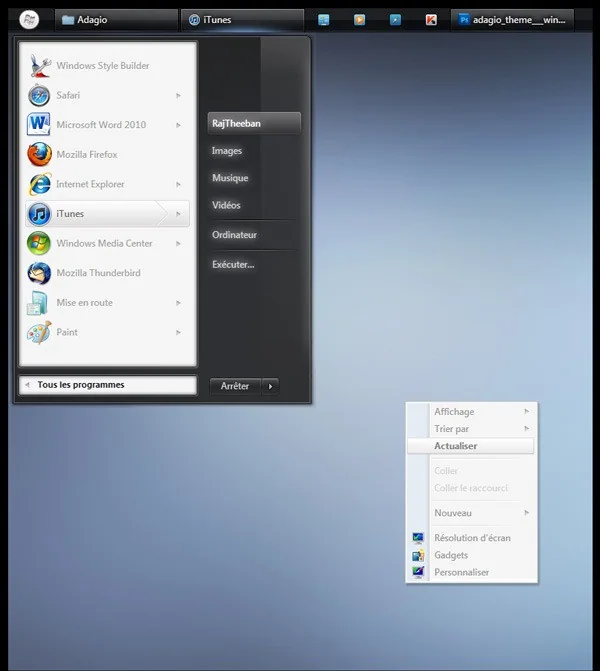
Desktop themes can change a computer’s background, colors, sounds, and other visual details. The original Windows 7 theme roundup is a decade-old collection, so its download links and screenshots should not be treated as current or safe. Microsoft ended support for Windows 7 on January 14, 2020. A PC can still run the operating system, but it no longer receives normal security updates, which makes internet-connected everyday use a risk.


Personalize a supported Windows version
On Windows 10 or Windows 11, open Settings and go to Personalization. Select Themes to apply a built-in theme or browse themes from the Microsoft Store where available. You can also adjust the background, color, sounds, and mouse cursor individually. Exact options vary by Windows version and edition. Microsoft’s current support page explains supported theme settings for Windows 10 and 11.

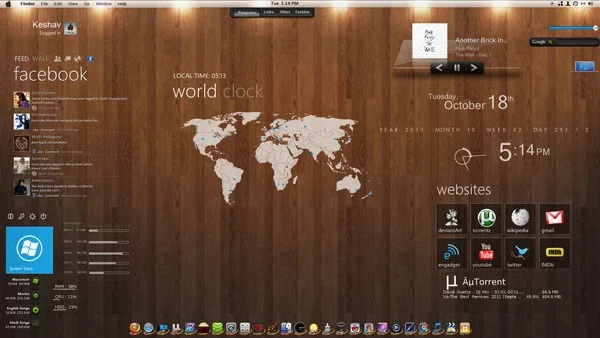

Choose themes from Microsoft Store or another source you trust. Avoid executable “theme installers” from unknown download sites, especially packages that ask you to disable antivirus, run as administrator, or install unrelated browser extensions. A picture file can personalize the desktop without changing system components. If using a third-party theme, verify the publisher, scan files with current security software, and understand that theme-patching utilities may alter protected system files or break after updates.
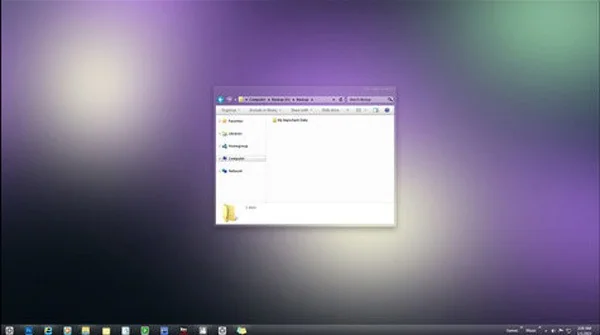
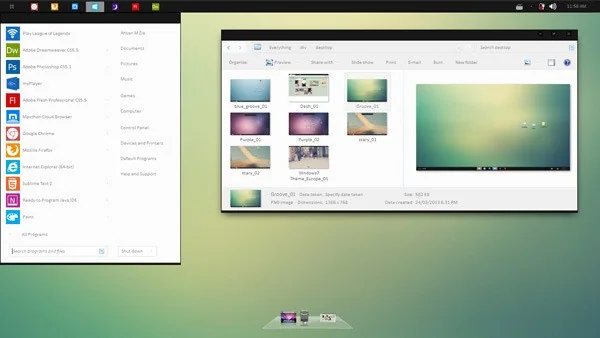

Windows 7 themes and compatibility
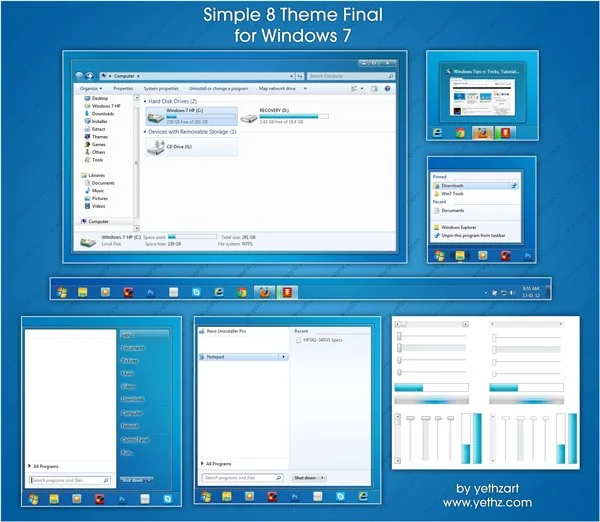
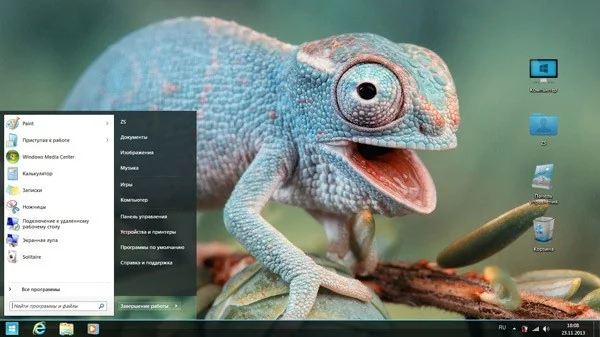
Windows 7 theme files were designed for an unsupported operating system and older desktop shell. They may not import into modern Windows, and downloading them from a mirror can expose you to tampered files. Do not use a theme pack to try to make Windows 11 look exactly like Windows 7 if it requires replacing system components. If you must maintain a legacy Windows 7 computer for a specific offline task, keep it isolated from sensitive accounts and networks, and use only media from a verified source.

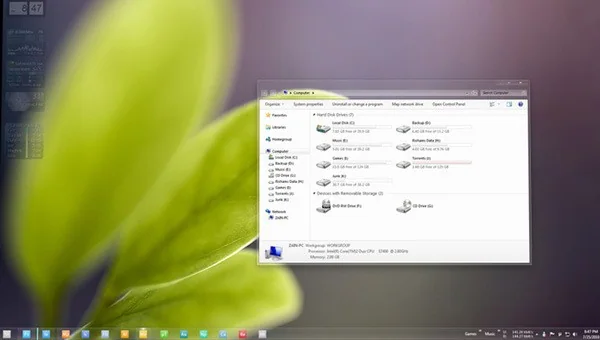

Personalization does not improve security or performance by itself. Keep Windows and drivers supported, use a standard user account for routine work, and avoid unknown customization tools. If a theme changes icons or sounds unexpectedly, return to a built-in theme through Settings. Back up important files before using any software that modifies the operating system.

Pick themes that remain accessible
High contrast, readable text, and clear icons can matter more than decorative effects. Review color contrast and pointer visibility after applying a theme, particularly if you rely on accessibility settings. Use a simple background that keeps desktop icons legible, and check how it appears on each monitor.


See Microsoft’s guide to personalizing Windows themes and its Windows 7 lifecycle page. The former covers Windows 10/11; it does not validate archived Windows 7 theme downloads.

