
An Android phone can feel slow because of a temporary app problem, low free storage, an outdated app or system issue, or aging hardware. Use small, reversible checks first and test the phone after each change. Settings names differ across manufacturers, so look for the equivalent option or consult the phone maker’s instructions when the path does not match.
Restart and check for updates
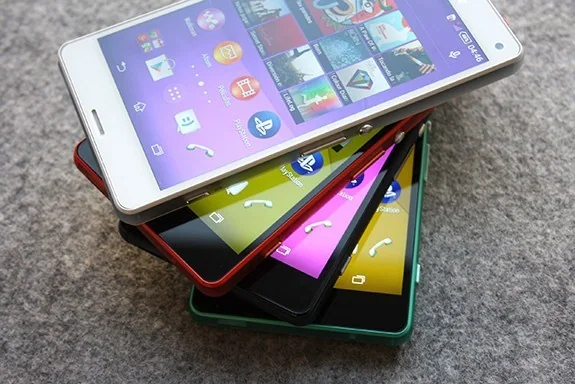
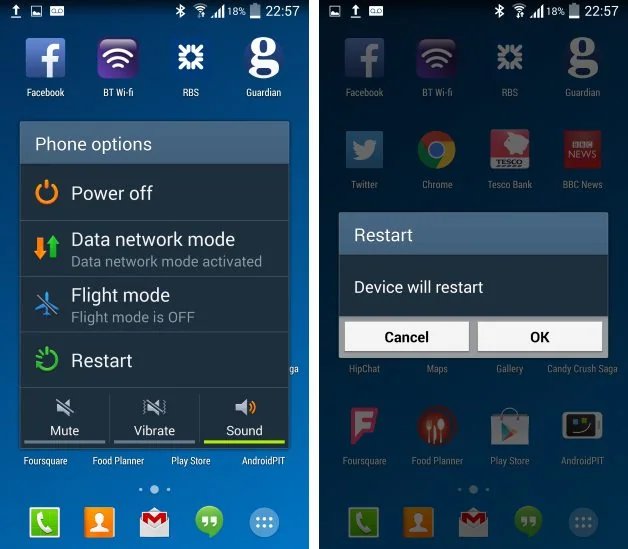
Restart the phone to clear a temporary problem. Then check Settings for a system or software update, and open Google Play Store to install available app updates. If the slowdown began after a particular app was installed or updated, note when it happens and whether other apps are affected. Updating the device and apps is safer than installing a “booster” or cleaner from an unknown source.
Check free storage
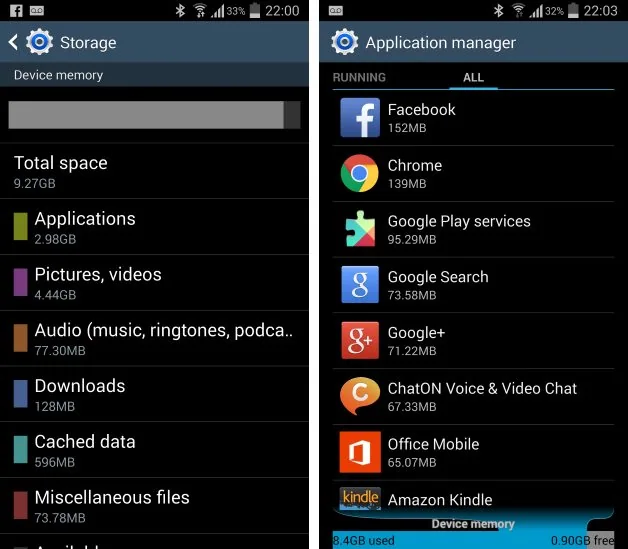
Open Settings and look for Storage. When space is nearly full, the phone may have trouble completing routine work. Remove files you recognize and no longer need, uninstall apps you do not use, and review large downloads or offline media. Do not delete unfamiliar system folders or app data without understanding the effect. Back up important photos and documents before removing local copies.
Find out whether an app is responsible
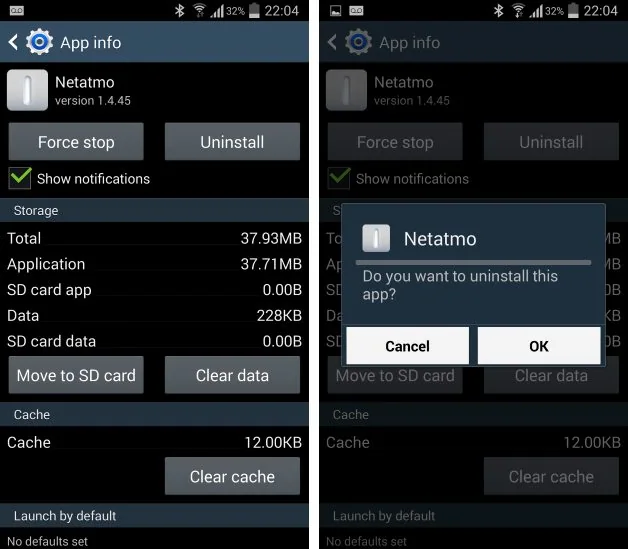
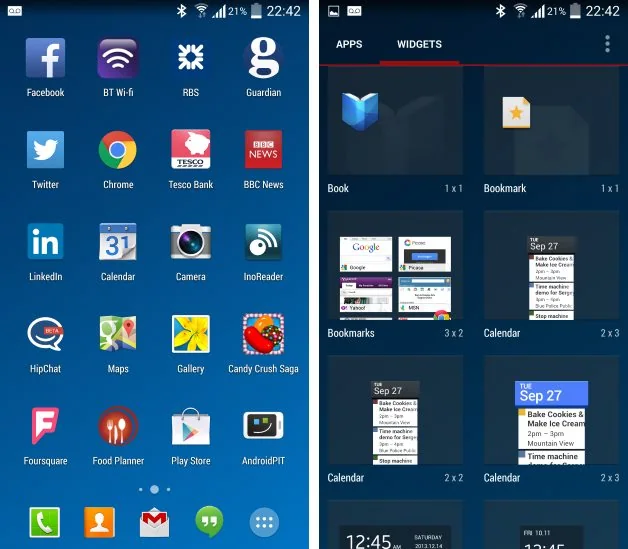
If the phone became slow after installing an app, Android Help recommends checking whether the problem disappears in Safe Mode, which temporarily turns off downloaded apps. The steps to enter Safe Mode vary by model. If performance improves there, restart normally and remove recently installed apps one at a time, testing after each removal. Do not uninstall system components or apps you rely on just to experiment.
Use force stop and reset only when appropriate
If one app freezes, force stop that app from Settings, Apps, then reopen it. This does not solve a device-wide performance issue by itself. A factory reset should be a last resort: it removes local data and apps, so verify a backup and account access before considering it. If the phone remains slow after updates and app checks, contact the manufacturer or carrier; an aging battery, damaged storage or other hardware issue may need service.
References: Android Help: speed up a slow device and Android Help: fix freezing and unresponsive devices.

