
Android music player apps vary in what they can play, how they organize a library, and whether they require an account or a subscription. An old ranking is unlikely to reflect today’s app versions, pricing, or device support, so choose by the music you own and the features you actually use. First check the audio apps already on your phone; a third-party player is useful only if it solves a specific problem.
Check library and format support
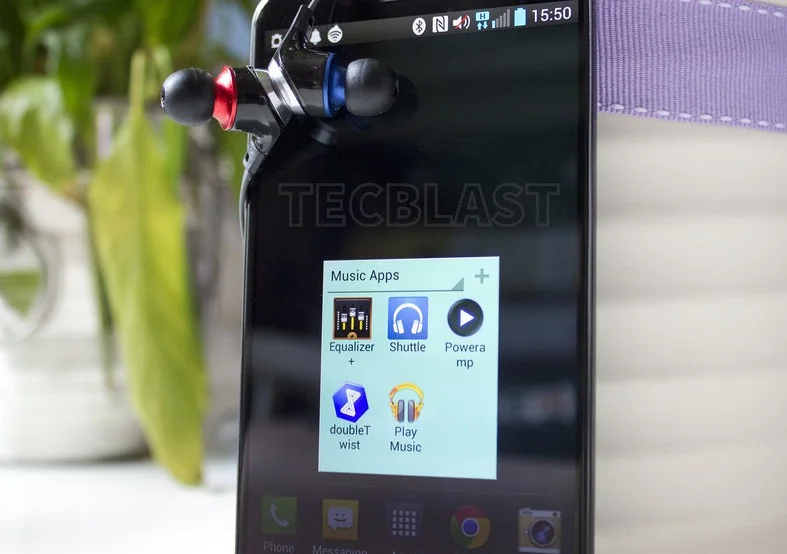
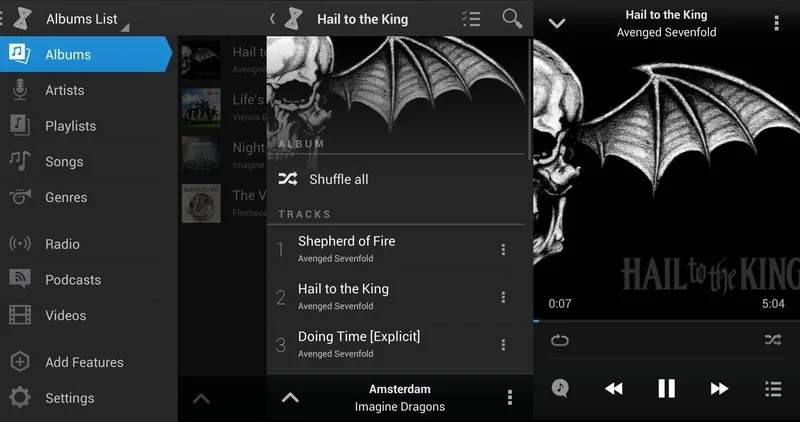
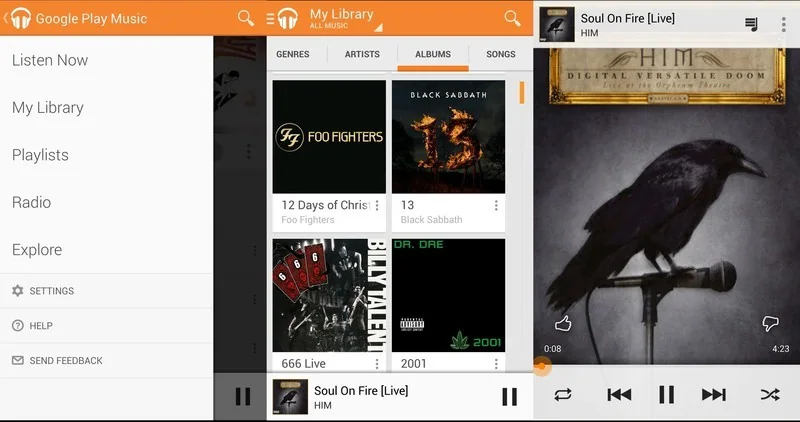
Make a short list of the files and sources you need: music stored on the device, files on a memory card, playlists, or a streaming service. Confirm that the current app listing supports those sources and the audio formats you use. Some apps focus on local files while others are designed around a streaming catalogue and internet connection. Test a few representative tracks before moving a large library or paying for an upgrade. Keep a separate backup of personal music files; changing player apps should not be treated as a backup plan.
Compare the listening experience
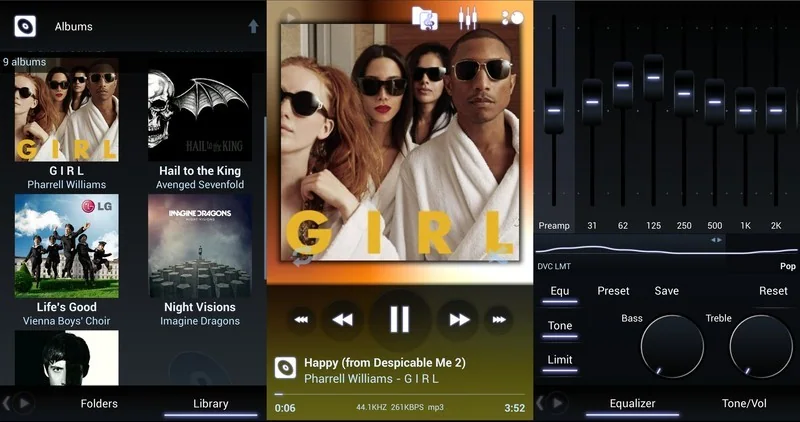
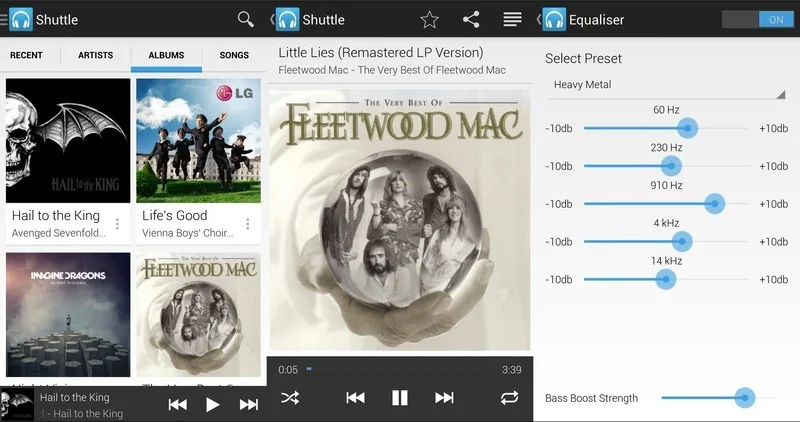
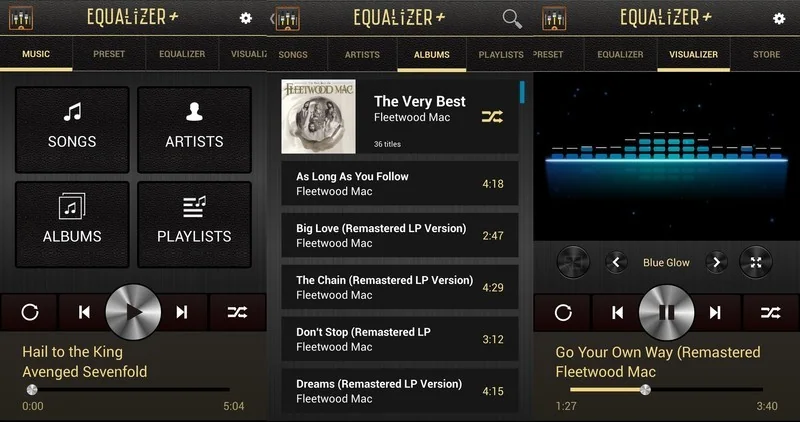
Try search, playlists, queue controls, shuffle, repeat, album art, and playback while the screen is locked. If you use headphones, a car system, or a smart speaker, check Bluetooth and casting support on your specific phone. Equalizers and audio effects can change sound, but their results depend on headphones and the recording; an app cannot restore details missing from a low-quality source. Look for clear controls, readable text, and settings that are easy to reset.
Review permissions and privacy
An app may need access to music or audio files to play local tracks. Consider why it asks for other permissions, such as contacts or location, and deny anything unrelated to its features. Android lets you review permissions for an individual app or by permission type in Settings, though menu names vary by manufacturer and Android version. Read the app’s current Play Store Data safety information and privacy policy, and remember that those disclosures are supplied by the developer. Install from Google Play or the verified developer channel; avoid modified APK files.
Make a practical choice
Compare recent update history, device compatibility, ads, subscription terms, and whether playback works offline when you need it. Start with one app and test it for several days before migrating playlists or paying. If you grant file access, revisit it after Android or app updates. The best player is the one that reliably handles your library, respects your privacy expectations, and remains supported on your device—not necessarily the app with the longest feature list.
Official reference: Google Play Help: Change app permissions on Android

