
When Windows 10 was announced, Microsoft highlighted a redesigned Start menu, virtual desktops, the Edge browser, Cortana and other changes. At the time, these features were presented as reasons to move from Windows 7 or Windows 8. That comparison is now historical: Windows 10 support ended on October 14, 2025, and Windows 7 and Windows 8.1 reached end of support earlier.
What Windows 10 changed
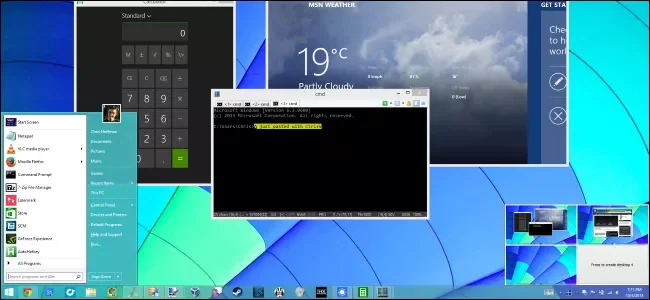
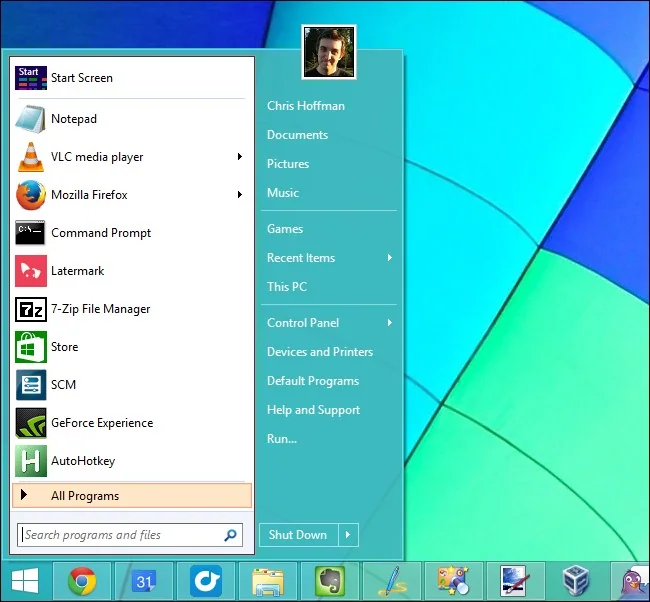
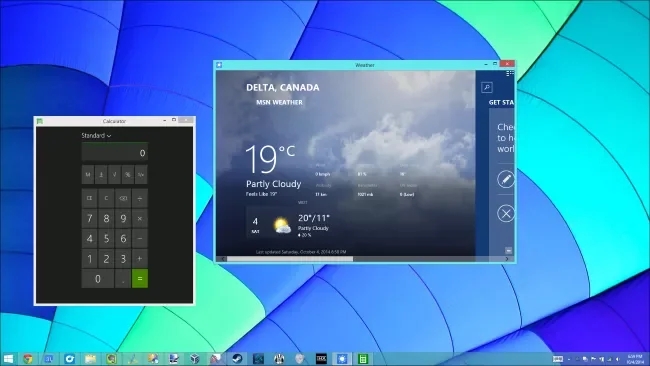
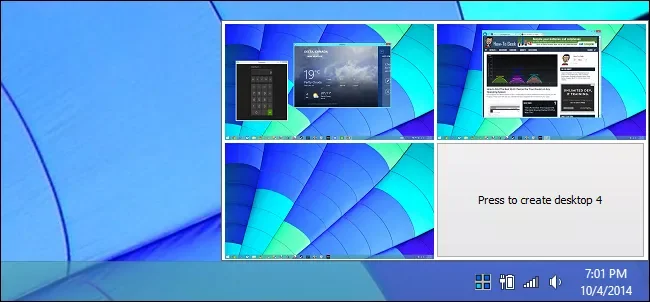
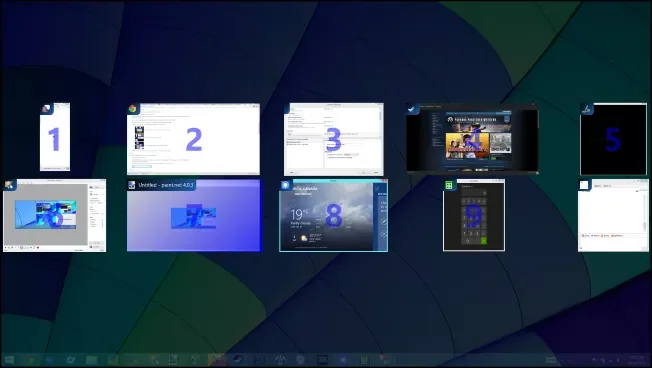
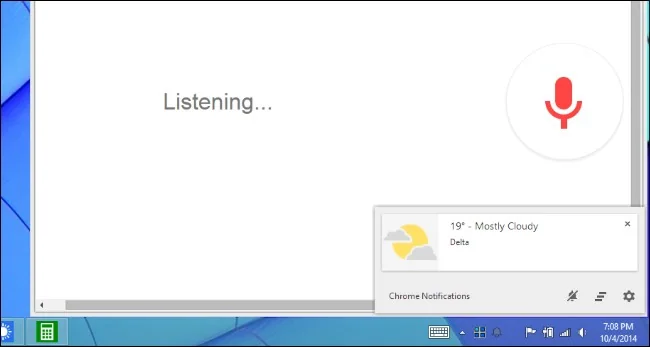
The Start menu returned in a form that combined a traditional app list with live tiles. Task View and virtual desktops offered a way to separate open windows into workspaces. Microsoft Edge launched as a new browser, and Cortana was integrated as a digital assistant in supported markets. Windows 10 also introduced features such as Action Center notifications and an updated Settings app. The exact experience changed across releases and editions, so old screenshots may not match a particular computer.
Why this is not an upgrade guide anymore
Microsoft no longer provides regular security updates or technical support for Windows 10 after its end-of-support date. Windows 7 and Windows 8.1 are also unsupported for ordinary consumers. A feature comparison alone cannot establish that an old operating system is safe to use. If a PC remains on Windows 10, Microsoft currently points eligible users toward Windows 11, the consumer Extended Security Updates program through October 2027, or replacement with a supported device. Eligibility depends on hardware and region, so check Microsoft’s current instructions.
Plan a safe move
Before upgrading or replacing a PC, back up documents, photos, browser data and recovery information. Check whether essential apps, printers and accessories work with the destination system, and verify that the computer meets its published hardware requirements. Use official Windows Update or Microsoft installation guidance rather than third-party “upgrade” utilities. If your PC cannot run Windows 11 and you enroll in ESU, understand the program’s limits and end date; it is a temporary security bridge rather than indefinite support.
How to use this article
The feature list below is useful as a snapshot of Microsoft’s Windows 10 launch era, not as a reason to install Windows 10 today. Windows 10 computers continue to run after support ends, but they no longer receive the regular security fixes that supported devices receive. For organizations, migration planning should account for licensing, application compatibility, backups and device management. For home users, the important next step is to check support status and choose an operating system that still receives security updates.
Official references: Microsoft: Windows 10 support ended October 14, 2025 · Microsoft Learn: Windows lifecycle FAQ

