
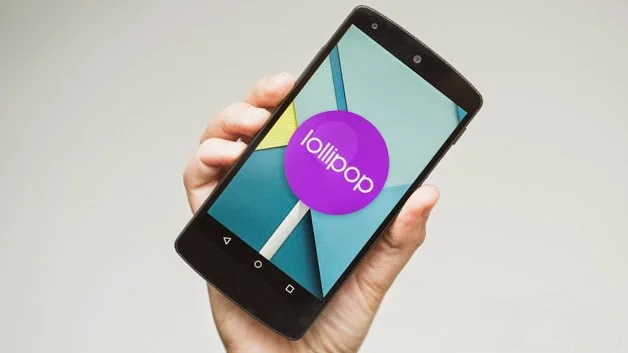
Android 5.1 Lollipop began rolling out to Nexus devices in March 2015, including the Nexus 6. Google described improvements to stability and notification controls, along with changes for developers such as multi-SIM support on compatible devices. The rollout was staged, so an announcement that an update was coming did not mean every Nexus 6 received it at once.
What the original update covered
Google’s Android Developers announcement introduced the Android 5.1 SDK and said updates would roll out to a list of Nexus devices over the following weeks. That post was written for developers and does not establish that every region, carrier variant or device build received an identical update on the same date. Version numbers and factory images are tied to specific device codenames; a file intended for another Nexus model should never be installed on a Nexus 6.
Why old installation instructions are risky
Historical guides often point readers to manually flash a factory image. That process can erase local data, fail when the bootloader or drivers are configured differently, or leave a phone unable to start if the image does not match the exact model. Old download links can also point to packages that are no longer maintained or clearly labeled. This article does not recommend sideloading or flashing Android 5.1 onto a phone today.
How to think about updates now
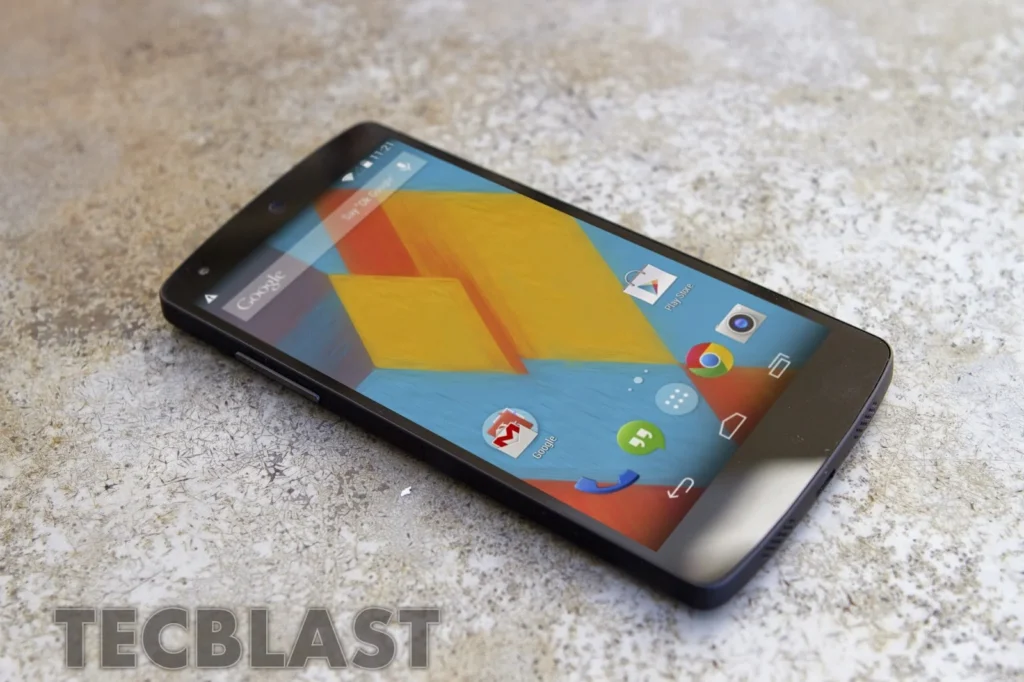
For a supported Android phone, use the update mechanism and instructions supplied by its manufacturer or carrier. Check the model number, region, available storage and backup status before installing. Keep the device charged and do not interrupt an update. If an update is not offered, consult the official support page for that exact model rather than installing a random package. A Nexus 6 running Android 5.1 is now legacy hardware and no longer receives current Android security updates.

Archival context
Android 5.1 is useful to understand as part of Lollipop’s release history, not as a current operating-system recommendation. A historical screenshot or factory image does not imply that the software is safe for daily use today. People still using an unsupported phone should avoid sensitive tasks where possible and consider moving to a device that receives security updates. Before publishing a step-by-step update procedure, editors should verify the exact build, device variant and present-day manufacturer instructions; unsupported legacy directions should remain out of the article.
Official references: Android Developers: Android 5.1 release and Nexus rollout · Google: Nexus and Pixel factory images

