
Updated safety guide. A 2014 article described streaming films through BitTorrent software on a Windows PC. That approach can expose viewers to unlicensed copies, misleading download buttons, intrusive advertisements, and files disguised as media players. This rewrite removes torrent-site instructions and explains how to choose authorized viewing options and protect a Windows computer when browsing for video.
Choose a licensed source
Look for a service that clearly identifies the provider, displays its terms and privacy information, and offers the film through an official app or website. Libraries, broadcaster services, subscription platforms, rental stores, and free ad-supported services may each carry different titles depending on country and date. A title appearing in search results does not prove that a website has permission to distribute it. The U.S. Copyright Office explains that unauthorized streaming implicates copyright holders’ public-performance rights; laws and remedies can differ by jurisdiction, so this is general information rather than legal advice.
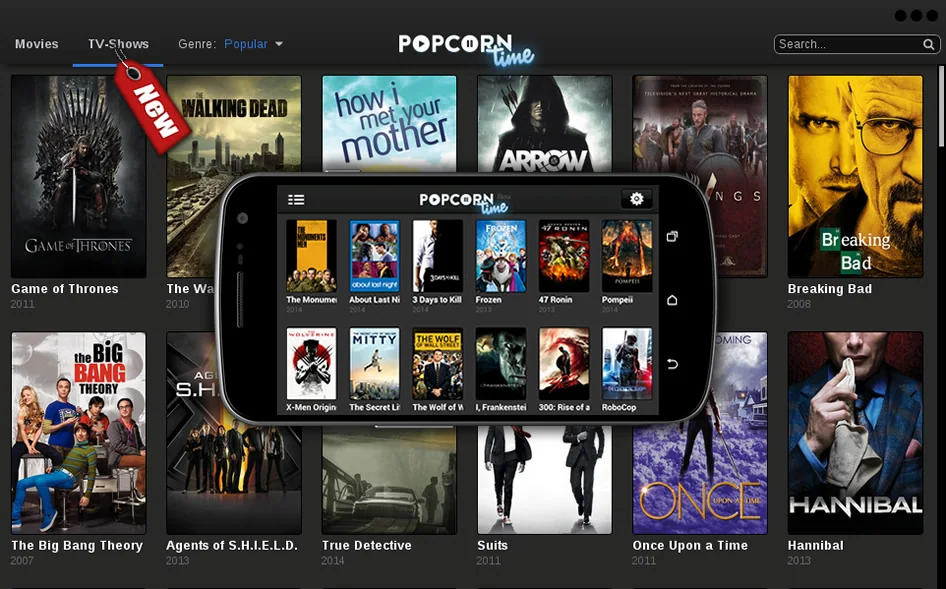
When in doubt, search the film studio, distributor, or a recognized licensed platform directly. Avoid sites that ask you to install an unfamiliar “codec,” browser extension, download manager, or executable just to start a video. Do not turn off antivirus or browser protections to access a stream. A legitimate player should not require you to run a random file with administrator privileges.
Safer Windows browsing
Keep Windows, your browser, and security software updated. Microsoft Defender SmartScreen can warn about known phishing pages and malicious or untrusted downloads in supported Microsoft products. Keep the protection enabled and take a warning seriously. A warning is not proof that every unflagged file is safe, so download only from a provider you trust and verify that the file type matches what you expected.
If a page opens unexpected pop-ups or redirects, close the tab without installing anything. Do not enter payment details or reuse passwords on a site whose identity is unclear. If you already downloaded a suspicious file, do not open it; use Windows Security to scan it and remove it if flagged. If you entered credentials, change the affected password from a trusted device and review account security settings.
Using BitTorrent lawfully
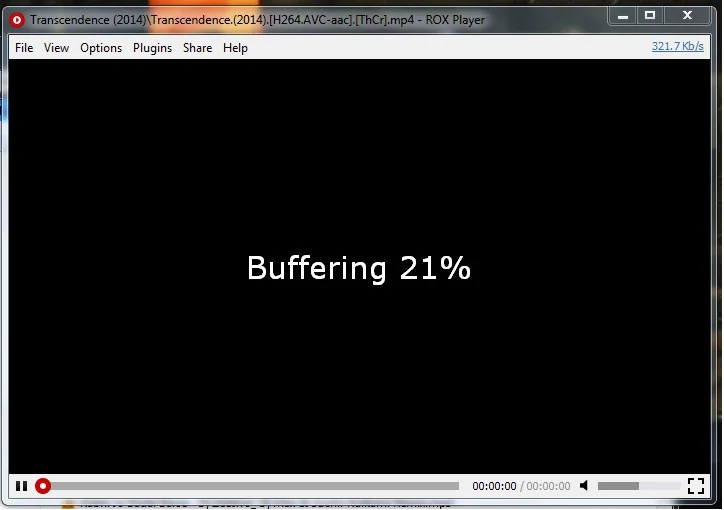
BitTorrent is a peer-to-peer transfer protocol with legitimate uses, including distribution of open-source software and other files shared by their rights holders. The protocol itself does not determine whether a particular movie copy is authorized. Check the distributor’s stated license and obtain files only from its official channel. This guide does not link to torrent indexes, mirror domains, or unauthorized movie copies.
Make a practical viewing plan
Before paying, confirm the title, rental period, streaming quality, supported devices, and whether offline viewing is included. Availability can change by territory and date. Use a platform’s official help center to troubleshoot playback, and contact its support team rather than installing third-party “fixes.” These checks reduce both copyright uncertainty and security exposure while keeping entertainment access straightforward.
The safest replacement for an old “stream HD torrent movies” walkthrough is not another unverified site list. It is a method for identifying an authorized provider, keeping browser defenses active, and avoiding downloads that have no clear source.

