
A 2014 Tecblast post announced an Android app and included images of a phone screen and download button. The archived page identifies AppsGeyser as the app maker and points to a Google Drive file. That is evidence that an app was promoted at the time; it does not establish that the APK is still available, maintained, compatible with current Android, or safe to install today.
What the old post tells us
AppsGeyser describes its service as a way to turn a website or other content into an Android app package. Its current documentation explains how a creator can generate an APK for testing or an Android App Bundle for publishing. The original Tecblast page appears to have used this kind of website-to-app approach. Without the original project files, signing information, release notes, and a verified current publisher page, there is no reliable way to confirm what the archived download contains now.
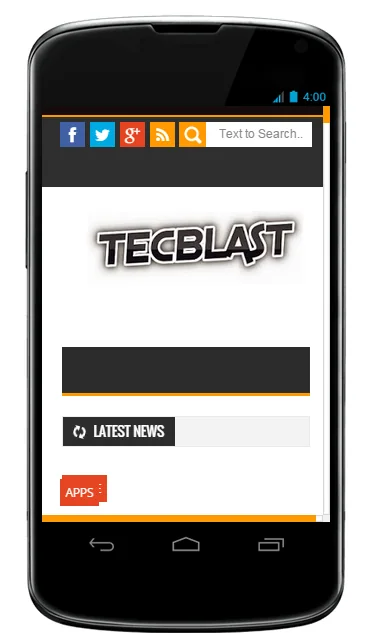
The old page also includes an image labeled as a Tecblast Android app and an external file link. Neither a screenshot nor a historical link is a security review. A file hosted on a general storage service can be replaced, deleted, or disconnected from the software it originally described. Avoid downloading and installing it simply because it appeared on the Tecblast site years ago.
Use Tecblast through the browser
For current Tecblast articles, open tecblast.net in a modern browser and save the site as a bookmark or add it to the phone’s home screen using the browser’s own menu. This creates a convenient shortcut without requiring an unknown APK. Browser labels vary between Android phones, but the option is commonly named “Add to Home screen” or “Install app” when a website supports an installable web experience.
A home-screen shortcut is not the same as a native app. It opens the site using the browser and receives the browser’s security updates. If a Tecblast mobile app is released again, the site should link to its verified listing in Google Play and identify the developer, version, privacy information, and support contact. Users should be able to confirm the publisher before installing it.
How to evaluate an Android app download
Prefer Google Play or the developer’s verified distribution channel. Check who published the app, when it was last updated, what permissions it requests, and whether the privacy policy explains data collection. Be cautious of an app that asks for access unrelated to its purpose. A basic news reader should not need device administrator access, accessibility control, or permission to manage calls.
Google Play Protect checks apps for potentially harmful behavior, including apps installed from outside the Play Store, and can warn users or remove harmful apps. It reduces risk but cannot certify that every app is safe or supported. Keep it enabled, keep Android current, and do not disable protections to sideload an old package. If a file has no verifiable publisher or current release information, skip the installation.
Why this page is an archive
The purpose of this rewritten page is to preserve the historical announcement while making its status clear. Tecblast’s old Android app should not be presented as an active product or as a download readers should install. The source archive does not provide enough information to verify the current package or its maintenance. Use the website directly, and look for an official store listing before trusting any future mobile app announcement.

