
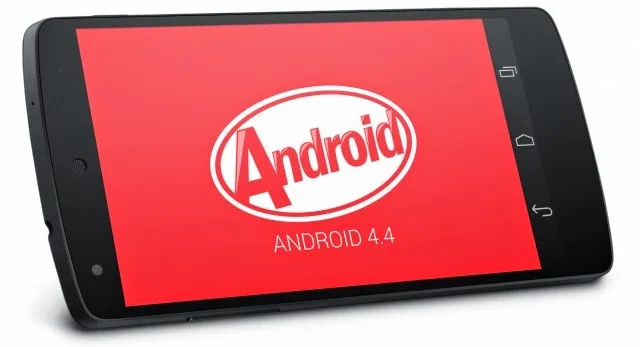
When Android 5.0 Lollipop arrived in 2014, it brought a visible redesign and platform changes after Android 4.4 KitKat. Some owners preferred KitKat’s familiar interface or found that their particular phone behaved more reliably before updating. Those experiences were real for individual devices, but they do not establish that one Android version was universally better. Hardware, manufacturer software, carrier builds, and app compatibility all influenced how the upgrade felt.
What Lollipop changed
Google’s developer documentation describes Material Design as a central part of Android 5.0, adding visual patterns and tools for app developers. Lollipop also changed system behavior, including the Android runtime and notifications. These were platform-level changes; their effects depended on how manufacturers adapted the software and how app developers updated their products.

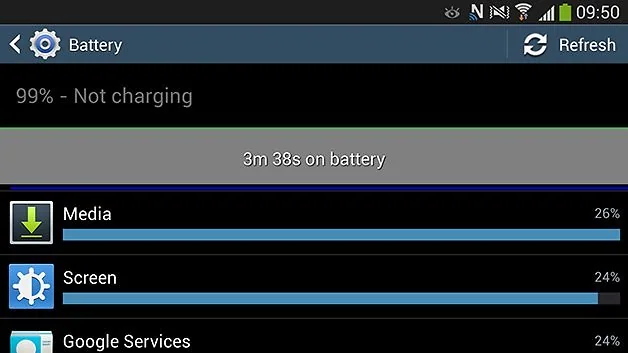
KitKat and Lollipop comparisons should therefore focus on concrete needs. A user might value a familiar interface, compatibility with a specific older app, or a device that performs smoothly on limited hardware. Another user might prefer the newer design or features available in Lollipop. Individual battery reports can be influenced by battery age, background apps, network conditions, and update installation quality, so a single anecdote cannot establish a version-wide result.
Why a downgrade is not a simple fix
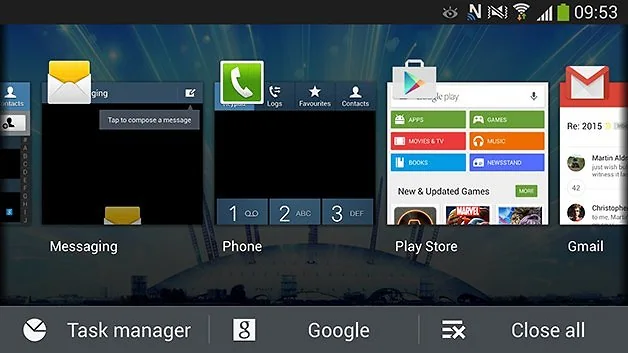
Returning to an earlier Android release can involve unlocking a bootloader and flashing system software. These actions can erase a phone, weaken verified boot protections, or install a build for the wrong model. A downgrade may also remove later security fixes and make some apps incompatible. Current Android platform guidance explains why bootloader state matters and why changing it can require a data wipe.
For a phone that is still supported, use official updates and manufacturer troubleshooting instructions. Before a major update, back up personal data and check the exact model’s release notes. If a device has become unsupported, running KitKat or Lollipop today is not a safe way to regain compatibility; both are obsolete. For sensitive accounts, move to a currently supported phone.
How to compare old Android releases fairly
Separate interface preferences from security, performance, and app compatibility. Record the device model, Android build, update date, and the task being tested. Compare the same phone under similar conditions, and avoid generalizing from one device to every Android handset. This method makes historical comparisons more useful without turning a personal preference into a universal recommendation.
Sources and limits
Google’s Android 5.0 release documentation and developer announcement describe Lollipop’s official platform changes. AOSP security documentation explains the implications of bootloader modification. This article summarizes the historical transition and does not recommend either old version for current daily use.

